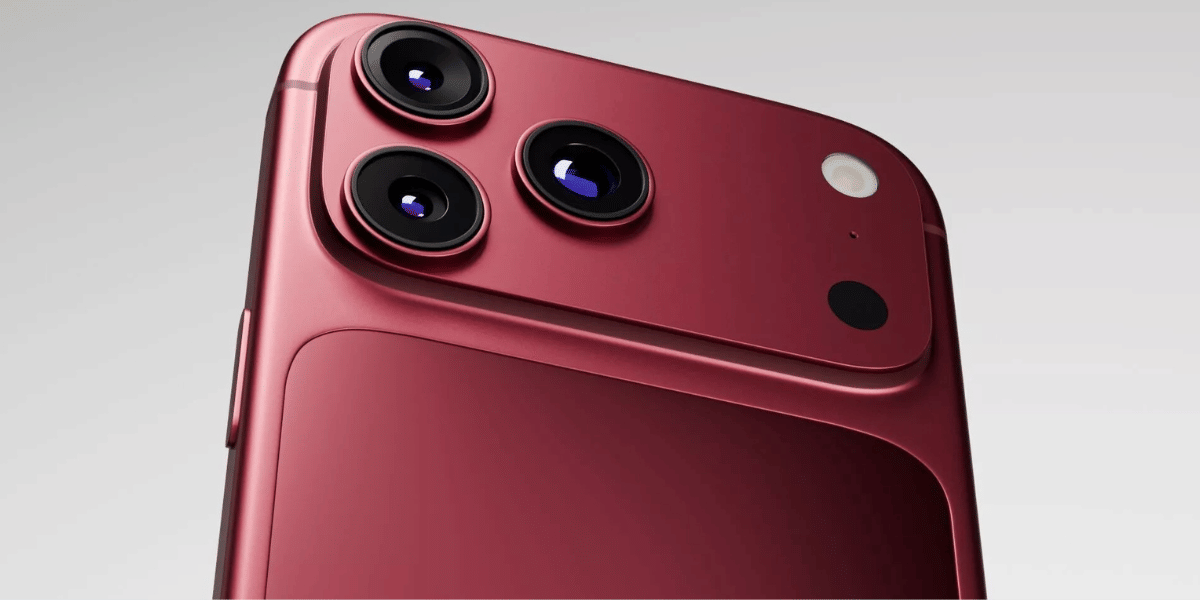
The right camera settings are most important on any phone to achieve the best camera results. Apple just launched its most powerful device, the Apple iPhone 18 Pro, with the first-ever variable aperture to better capture light as needed. So, what are the best camera settings for the iPhone 18 Pro? Let’s break down everything in detail.
Also Read: Google Pixel 11 Quick Review: Better Specs, Same Pixel DNA?
Apple iPhone 18 Pro camera specs
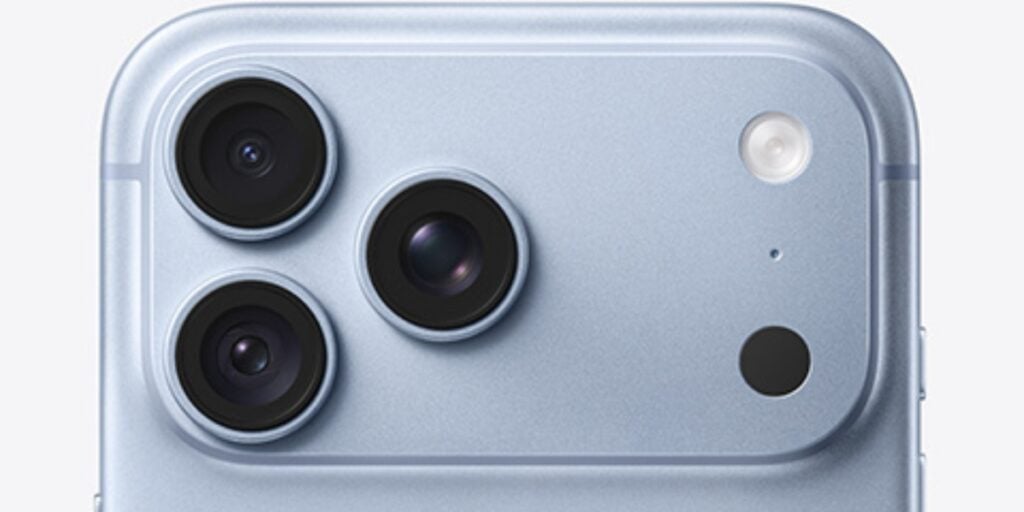
Here are the iPhone 18 Pro camera details in bullet points
- Triple 48MP rear camera setup: Main, Ultra Wide and Telephoto.
- 48MP Main camera with variable aperture and sensor-shift optical image stabilisation.
- 48MP Ultra Wide camera with support for macro photography.
- 48MP Telephoto camera with 4x optical zoom and up to 8x optical-quality zoom.
- Supports up to 40x digital zoom.
- 18MP Centre Stage front camera for selfies and video calls.
- Supports 4K video recording, ProRAW and advanced computational photography features.
Change a Few Important Camera Settings
First of all, open Settings on your Apple iPhone 18 Pro and go to Camera. Then open Format and move the setting from Most Compatible to High Efficiency. Then go to Photo Mode and select the 24MP sensor, which might be set to 12MP by default.
Now, you have two choices in the ProRAW format. If you want the best image quality possible, then keep the setting on JPEG Lossless, but it will take more storage. If you are storage-conscious, then you can move to JPEG-XL Lossy.
Now, framing is most important in an image, and the Level feature is essential. It helps you determine whether your subject is correctly positioned in the frame and whether your phone is straight or not. So, activate Grid and Level from the Camera settings. Just check that 28mm and 35mm are activated in the Fusion Camera settings.
Also, check whether Lens Cleaning Hints is activated or not. Sometimes, we keep the phone in our pocket or leave fingerprints on the lens, and this feature will notify you when the lens needs to be cleaned.
Also Read: Samsung Galaxy Z Flip8 Quick Review: The Flip Phone Gets Better
Best Camera App Settings For iPhone 18 Pro
First, you can customise the camera control bar by removing Live Photos when shooting in RAW. So, you can add important options such as Exposure, Format, Aperture, and Night Mode. You can also add Shutter Speed and White Balance if you want more manual control. For exposure, use EV -0.3 or -0.7, which can help you capture slightly darker images with better contrast and richness.
The new variable aperture is one of the important camera upgrades. It works with the 1x Main camera, which lets you manually adjust the aperture. The f/1.48 aperture is useful for low-light photography and creating a blurrier background, while f/4 can deliver sharper results, especially for landscapes. However, you can also leave it on Auto and let the iPhone choose the aperture based on the scene.
For Shutter Speed, it is better to keep it on Auto for most situations. You can use a faster shutter speed when photographing fast-moving subjects, while a slower shutter speed can be useful in low-light conditions or when you want to capture motion effects. Similarly, White Balance can be kept on Auto, especially when shooting in RAW, as you can adjust the colour temperature later while editing.
For the best possible image quality, use RAW at 48MP. However, if you are taking casual photos or want to save storage and share images easily, HEIF at 24MP is a more practical option.
Also, try to use the default focal lengths such as 0.5x, 1x, 2x, 4x and 8x instead of randomly zooming in. You can crop the image later to get the framing you want while maintaining better image quality.
Also Read: Vivo X300 Pro Review: The Phone That Changed Camera Standards
Verdict
The iPhone 18 Pro offers extensive camera controls, making it easier to capture photos according to different shooting conditions. From the new variable aperture to RAW 48MP photography, these settings can help you get better results from the camera. While most users can rely on Auto mode, adjusting exposure, aperture and focal lengths can give you more creative control over your shots.