When it comes to an OS that can give you a clean Android experience, Nothing is a brand that people look forward to! Nothing brand was started by Carl Pei. Nothing has started rolling out Nothing OS 4.0 on November 21, 2025, which is based on Android 16, to its Indian users. First, Nothing Phone 3 users will receive it, and later, other Nothing and CNF devices. The Nothing 4.0 update was first showcased during the launch of the Nothing Phone (3) in July 2025.
Nothing OS 4.0 will have a clean and simple design, just like the previous version. You can expect improved performance and new features. In this article, we’ll talk about the Nothing 4.0 release date and new features. You will also know that phones will get the update. Let’s get started:
Also Read: Nothing OS 3.0 Release Date, Features And Supported Devices!
Nothing 4.0 Release Date and Rollout Timeline
The stable update started on November 21, 2025. This was first for the Nothing Phone (3). There was a short pause in early December. It is because of small problems. It includes notifications not grouping correctly and multitasking slowing down. Nothing fixed these issues by December 1.
By December 29, 2025, the update had reached budget-friendly CMF models.
| Detail | Information |
|---|---|
| Stable Rollout Start | November 21, 2025 (Nothing Phone (3)) |
| First Devices | Nothing Phone (3), followed by Phone (2), Phone (2a) series, and Phone (3a) series by late November |
| Recent Expansion | CMF Phone 1 (started December 26, 2025), CMF Phone 2 Pro (phased rollout in coming weeks) |
| Upcoming | Nothing Phone (3a) Lite (early January 2026) |
| Beta Program | Open beta launched September 30, 2025 (enrollment closed October 14 for most models); broader access added later |
Nothing OS 4.0 Open Beta Update
Date: Started on September 30, 2025.
Beta testers are really liking the new AI-powered widgets in the Quick Settings panel. These widgets can change based on how you use your phone. This makes everything feel smarter and more personal. The camera presets have also been upgraded with the TrueLens Engine. It helps take better and brighter photos in low light.
The Glyph integration is even cooler now. For example, if you order a ride from Uber, the lights on the back of the Nothing Phone (3) will pulse. This will do that to show your driver’s arrival time or other updates.
However, a few users on Nothing’s forums have said they noticed small bugs. These bugs include slow notification grouping or lags when using pop-up multitasking. Nothing suggests that everyone back up their data before installing the beta.
| Feature | Details |
|---|---|
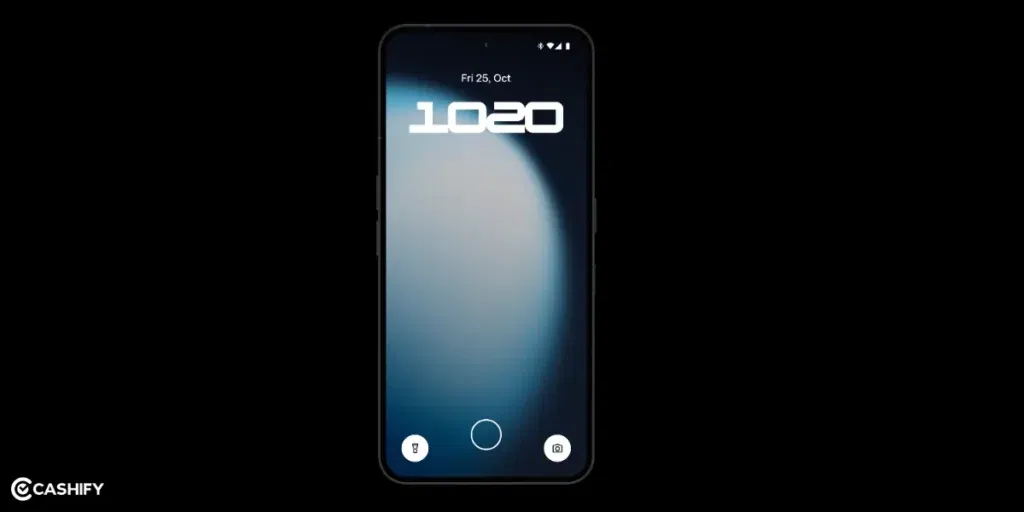
| Look & Design | – New lock screen with cool clocks – Quick settings are cleaner and easier – “About Phone” page is simpler |
| Extra Dark Mode | – Super dark screen theme – Saves battery – Better for your eyes at night |
| Multitasking | You can use 2 apps at the same time in small pop-up windows (like chat + YouTube) |
| Camera & Gallery | – Better camera with new tools – A fun “Stretch” photo effect – Gallery app is smoother |
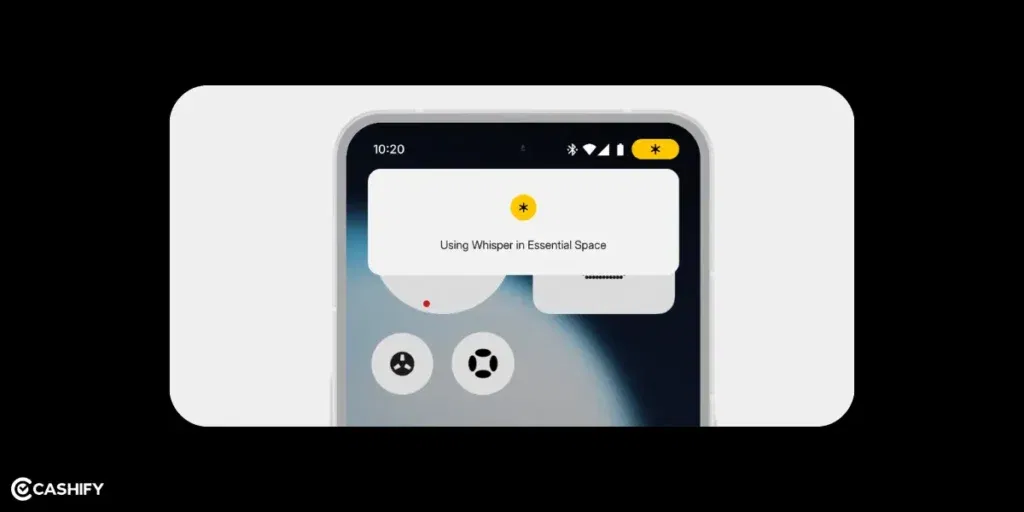
| AI Features | (Only for Nothing Phone 3 in beta) – Shows what AI is doing – Lets you make and share cool stuff like camera filters and light effects – New voice tool called “Whisper” (still being tested) |
| Recorder App | New look |
Nothing 4.0 Eligible Devices: Full List
The phones that will get Nothing OS 4.0 are:
| Device Series | Status (as of Feb 4, 2026) | Notes |
|---|---|---|
| Nothing Phone (3) | Received (November 2025) | First device |
| Nothing Phone (2), (2a), (2a) Plus | Received (late November 2025) | Full stable |
| Nothing Phone (3a), (3a) Pro | Received (late November 2025) | Full stable |
| CMF Phone 1 | Received (Late December, 2025) | Phased; final major OS update |
| CMF Phone 2 Pro | Received (Early January, 2026) | First major OS update |
| Nothing Phone (3a) Lite | Received (Late January 2026) | Completes rollout |
| Older models (e.g., Nothing Phone (1)) | Not eligible | Reached update limit |
This shows that Nothing cares about its users. Nothing wants to keep their phones safe and up-to-date for a long time.
Also Read: Realme UI 6.0 Release Date, Eligible Devices, And Features!
Nothing OS 4.0 Features
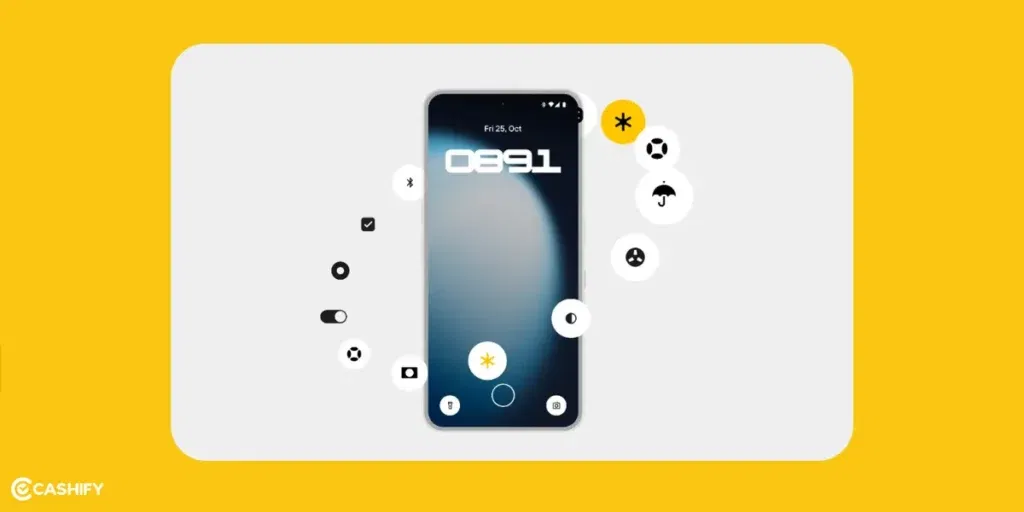
Nothing shared all the features of Nothing OS 4.0. The new update mixes Android 16’s new features with Nothing’s clean design.
Here are some of the main features:
Better Notifications
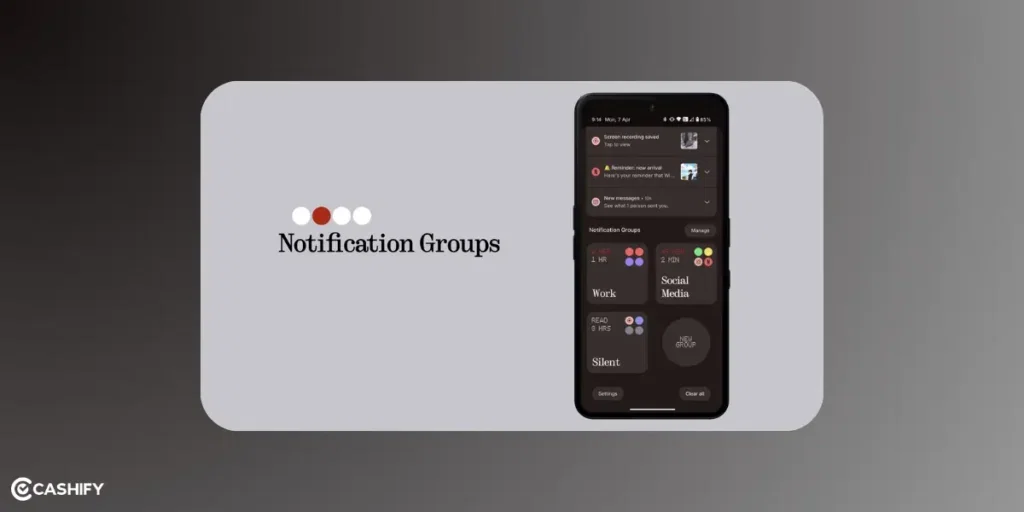
Android 16 makes it easier to manage notifications. If you get many messages from the same app, they’ll be grouped. This way, your screen won’t get messy. You won’t get too many alerts all at once. Nothing OS 4.0 will likely use these features with dot-matrix-style animations.
Improved Built-In Apps
With Nothing OS 4.0, the main apps that come with the phone are getting upgrades! This includes the Gallery, Weather app, and Camera app.
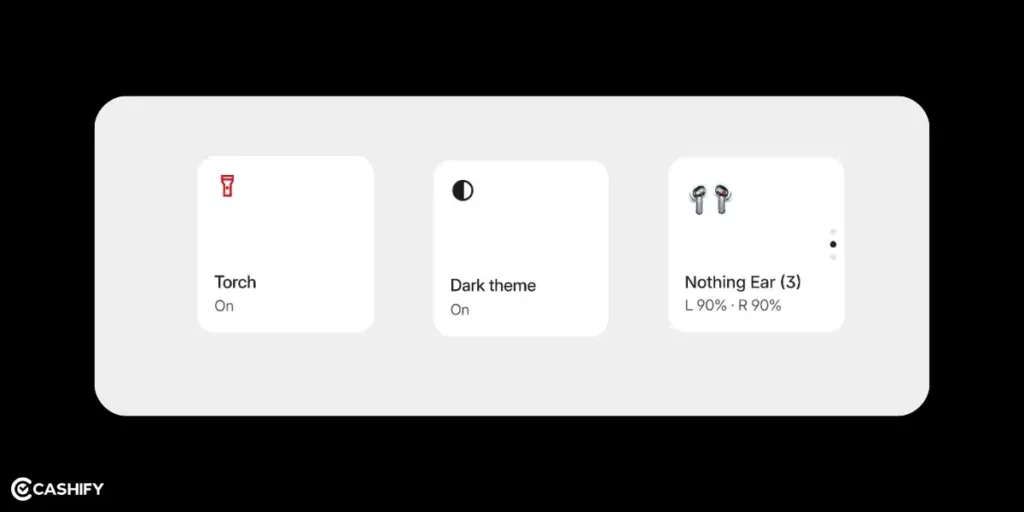
The Nothing Gallery already opens 25 per cent faster than Google Photos. In OS 4.0, it might get even smarter with AI.
The Weather app could also get fun updates. You can see dot-matrix-style animations that show live weather.
Live Delivery & Ride Updates
With the Nothing OS 4.0 update, you’ll be able to see live updates. These updates like food delivery or ride status. You will see them right on your lock screen or notification panel. It means you don’t have to open the app every time to check the order status.
New Look with Material 3
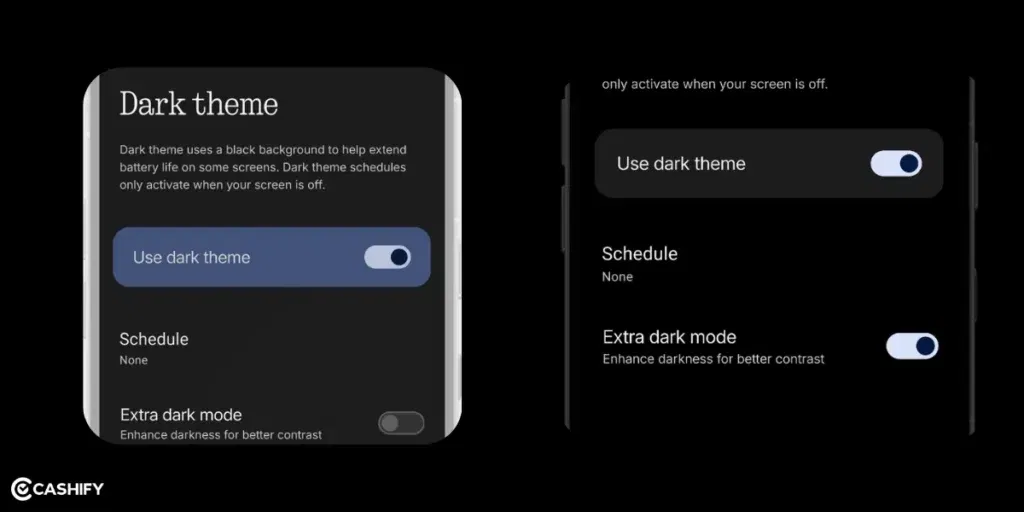
Android 16 brings a new design called Material 3 Expressive. It has smoother animations and lets you change how things look on your screen. Nothing OS 4.0 is expected to use some of the animations. But it will still keep its simple black-and-white style.
Better AI Tools
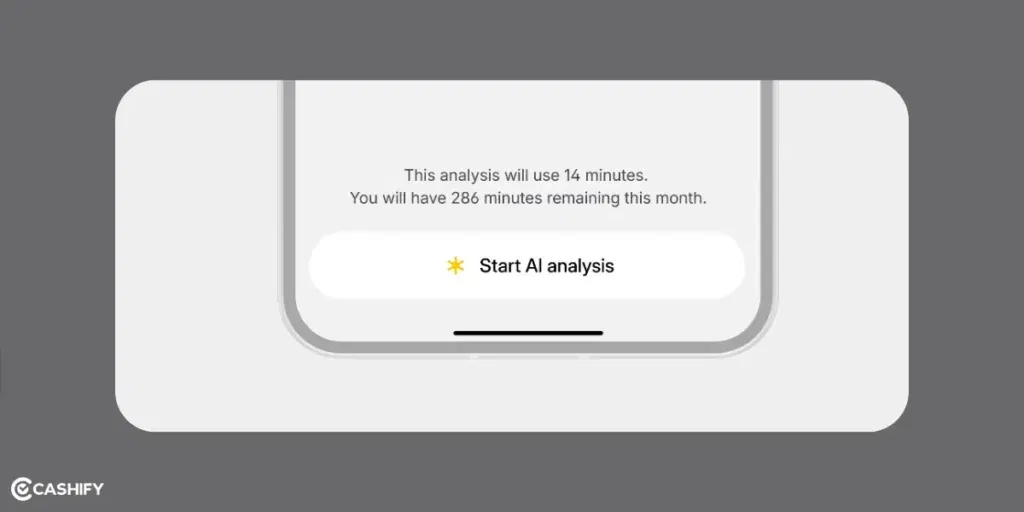
| Feature | Description |
|---|---|
| Essential Space | New “Whisper” AI assistant feature |
| Essential Search | Smarter search, may use Google Gemini AI |
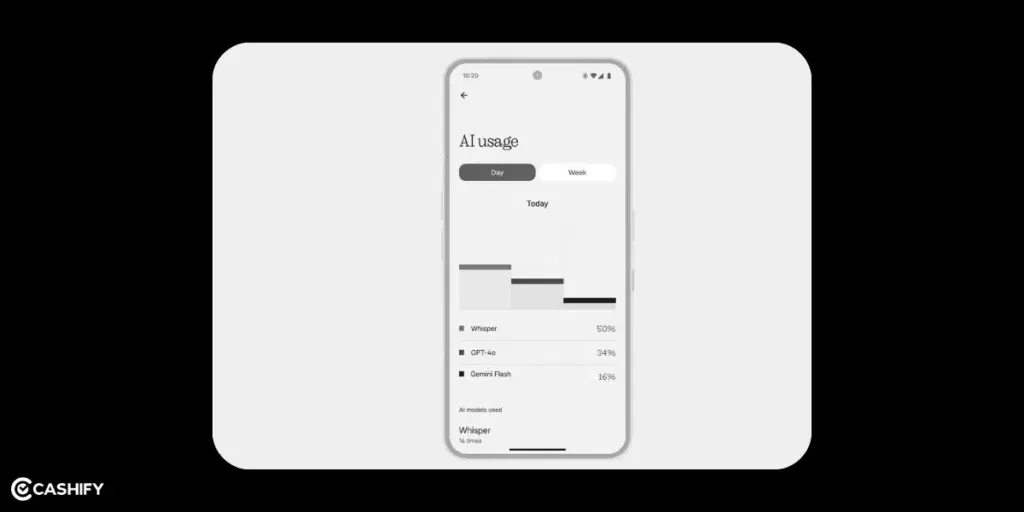
| AI Usage Dashboard | Tracks AI use and privacy status |
| Smart Suggestions | Personalised phone usage tips |
| App Organization | Improved AI-based app sorting |
Nothing has been testing AI features like Essential Space and Essential Search in older versions. In OS 4.0, they might bring in even smarter tools. There will be suggestions based on how you use your phone. We can also expect better app organisation. It may also work with Google’s Gemini AI to help you search easily.
Better Security With Android Protection
There will be a new system called Android Protection. It will keep your phone safe from bad apps, scam calls, and suspicious websites. Nothing OS 4.0 will likely include this, too. This will be done with its own special privacy settings.
Also Read: HyperOS 2.0 Eligible Devices, Release Date All Details List!
Exclusive Features For Nothing Phone (3)
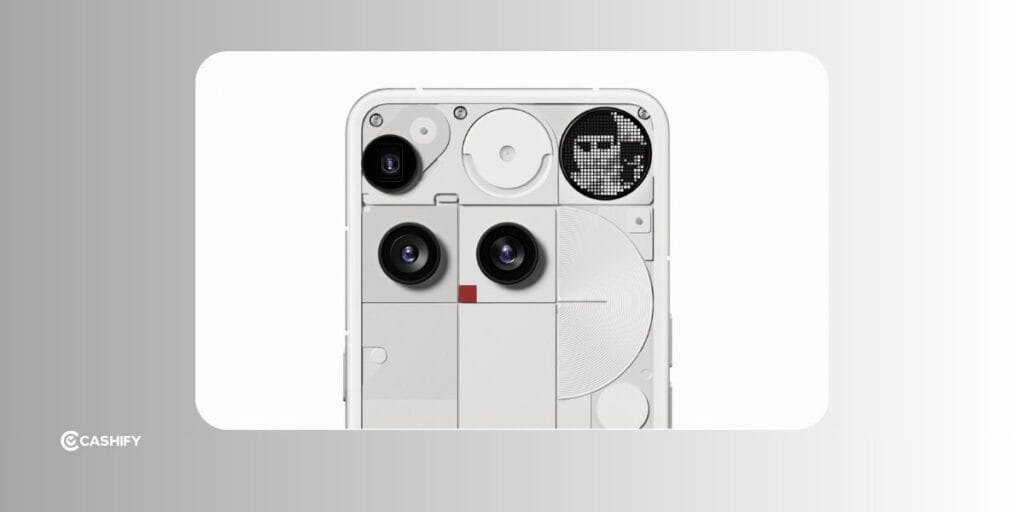
Glyph Mirror Selfie: Capture a one-of-a-kind selfie with the Glyph Interface! Using Glyph lights, the phone takes a Matrix-style illuminated reflection photo of you. The photo can be saved to the Gallery for easy social media sharing or to set as a profile picture.
Smarter Flip to Glyph: When you put your phone screen down, you can now customize its behavior. You can set Flip to Glyph to either activate Silent or Vibrate mode, depending on whether you want to focus completely or allow some notifications.
Flip to Glyph AOD: Glyph Matrix Always-On Display now works with Flip to Glyph. This improved option helps conserve battery life and simplifies your daily activities, since it won’t be on unless the screen is visible.
Pocket Mode: The phone responds only when it’s needed. The Glyph Matrix lights automatically turn off when the phone is in your pocket to save battery. This extra feature also prevents the lights from activating when they’re not visible.
New Glyph Toys: With the launch of Nothing OS 4.0, the brand is introducing two new time-themed Glyph Toys. While Hourglass shows the passage of time, Lunar Cycle displays the moon’s real-time position. Both enhance the Glyph experience in unique ways.
This new feature is only for the Nothing Phone (3). But older phones with Glyph lights might still get some small updates.
My CMF By Nothing Phone Received Nothing OS 4.0 Update
I have the CMF version of the Nothing Phone (1) and recently got an update called Nothing OS 4.0. The update was 2.2 GB and included new features. According to Nothing, here’s what’s new in this update:
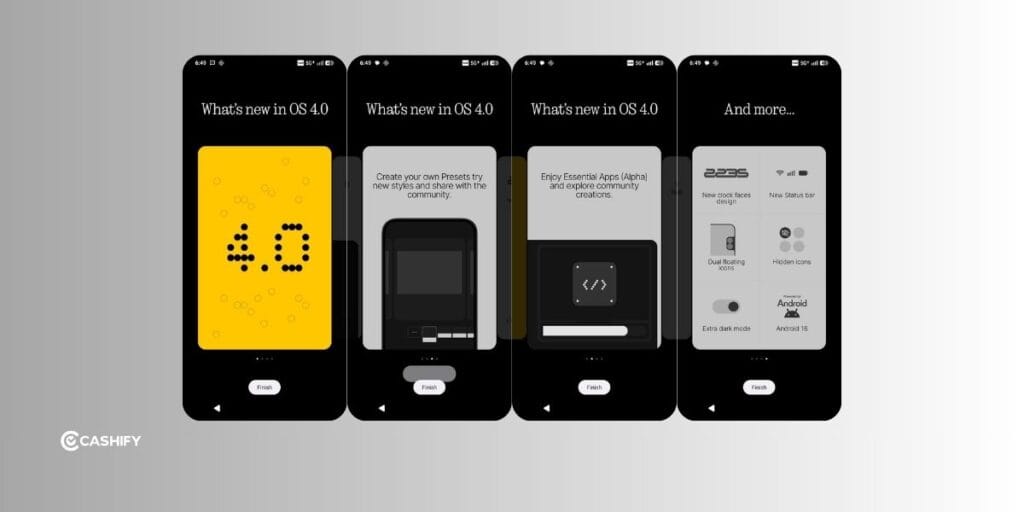
New Features:
- Privacy Space: You can now swipe right in the app drawer to easily access a secure area for your important apps and files.
- Separate Privacy Password: You can set a different password for the App Locker and the Privacy Space.
- Hotspot Manager: It is now easier to manage which devices are connected to your hotspot.
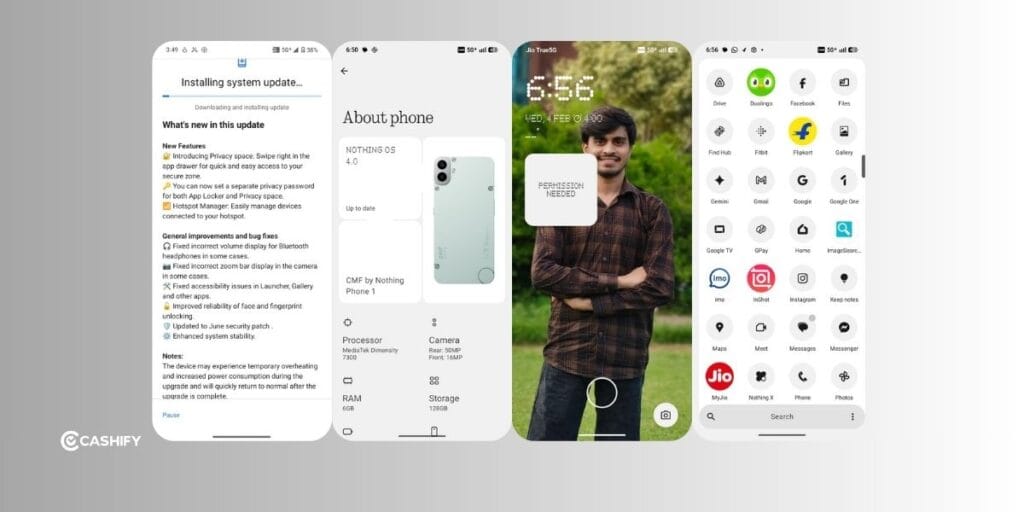
General Improvements and Fixes:
- Fixed some issues where the volume display for Bluetooth headphones was incorrect.
- Corrected problems with the zoom bar display in the camera.
- Improved accessibility for the Launcher, Gallery, and other apps.
- Made the face and fingerprint unlocking more reliable.
- Updated to the June security patch.
- Improved overall system stability.
This update improves the phone’s performance and security.
Other Nothing OS 4.0 Features
| Feature | What’s New in Simple Terms |
|---|---|
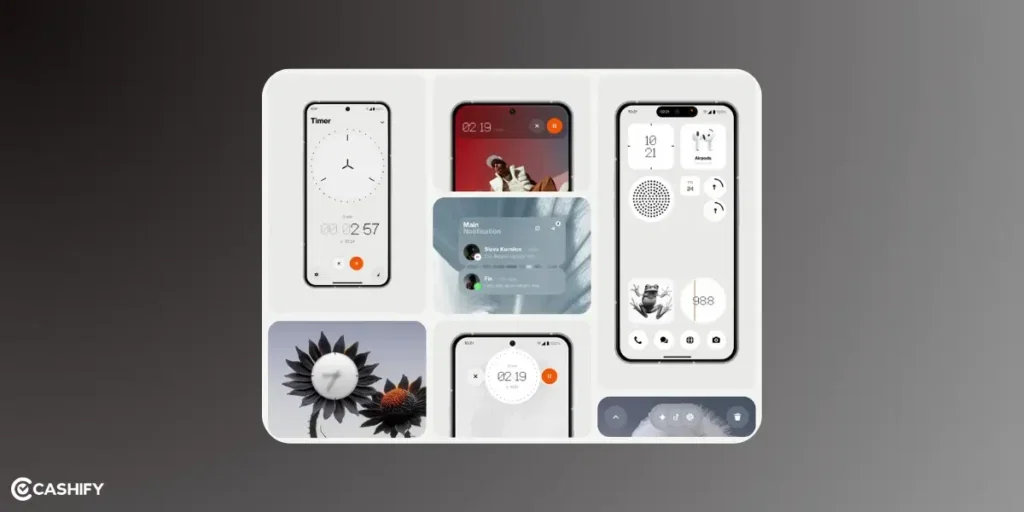
| Lock Screen & Home Screen | New widgets, cool clock styles, more space, app icon control, Extra Dark Mode |
| Quick Settings Panel | Smaller buttons, smarter brightness slider, music color effects, clearer controls |
| Interactive Dot Animation | More apps/widgets with dot-style animations |
| Private Space Integration | Hide, lock, and clone apps |
| Cross-Device Integration | Easier connection to Nothing headphones, better Tesla control |
| Pop-up View | Multitask with two floating apps |
| App Optimization | Faster app launch, smoother and more responsive |
| Redesigned Apps | Updated Recorder app and About page |
Final Thoughts
In the end, I can say that Nothing OS 4.0 is going to bring some cool changes to your phone. It’s going to be clean and simple, yet smooth and productive. With AI features, it’ll be even smarter. This update will have the black and white icon pack, dot matrix animations, and transparent design. Let me know what you think of this update in the comment section below. I would love to hear your thoughts!
FAQs
1. What is Nothing OS 4.0?
Nothing OS 4.0 is the newest version of the operating system from Nothing, built on Android 16.
2. When was Nothing OS 4.0 released?
The general (stable) release began on November 21, 2025.
3. Which phones will get the update first?
The rollout starts with Nothing Phone (3). Then other eligible models will get it over the following weeks.
4. What kind of design/visual changes come with OS 4.0?
You’ll get a cleaner, simpler look: refreshed app icons, updated status-bar icons, cleaner lock-screen clocks, smoother animations and transitions.
5. Are there new privacy or security features?
Yes, there are new privacy/security features introduced in Nothing OS 4.0. OS 4.0 includes stronger privacy tools, like better control over apps and new security protections to guard against malicious apps or suspicious websites.
6. What new multitasking or usability features are there?
You get features like “Pop-up View” for running two apps in floating windows, more custom widgets, and smoother, faster performance overall.
7. What is “Glyph Matrix” and is it new in 4.0?
For first-time phones, OS 4.0 improves the “Glyph Matrix”. It means developers can use the new Glyph Matrix API to create widgets, mini-apps, fun animations, or custom notifications using the back-light interface.
8. Can I hide or lock apps after updating?
Yes. You’ll have a “Private Space” feature that lets you hide, lock or even clone apps.
9. Will older Nothing phones get 4.0?
Most older phones are eligible. But some advanced features (especially heavy AI tools) may be limited depending on the hardware.
10. What benefit will I see from the update?
You get a smoother, cleaner interface, smarter controls, better privacy, new customisation options, and improved performance. Overall, a more pleasant and modern smartphone experience.
If you’ve just bought a new phone and don’t know what to do with your old phone, then here’s your answer. Sell old mobile to Cashify and get the best price for it. If you are planning to buy a new phone, check out Cashify’s refurbished mobile phones. You can get your favourite phone at almost half price with six-month warranty, 15 days refund and free delivery.