Google is making a huge change that users have wanted for years. Soon, you can change your @gmail.com email address without creating a new account. This feature is starting to roll out. It keeps all your data safe. You can use both old and new addresses. The update is already visible on Google’s support page in Hindi, and it will come to everyone soon.
This means no more being stuck with an old username you don’t like. Your emails, photos, and files stay in the same inbox.
How To Change Gmail Address Without Creating New Account?
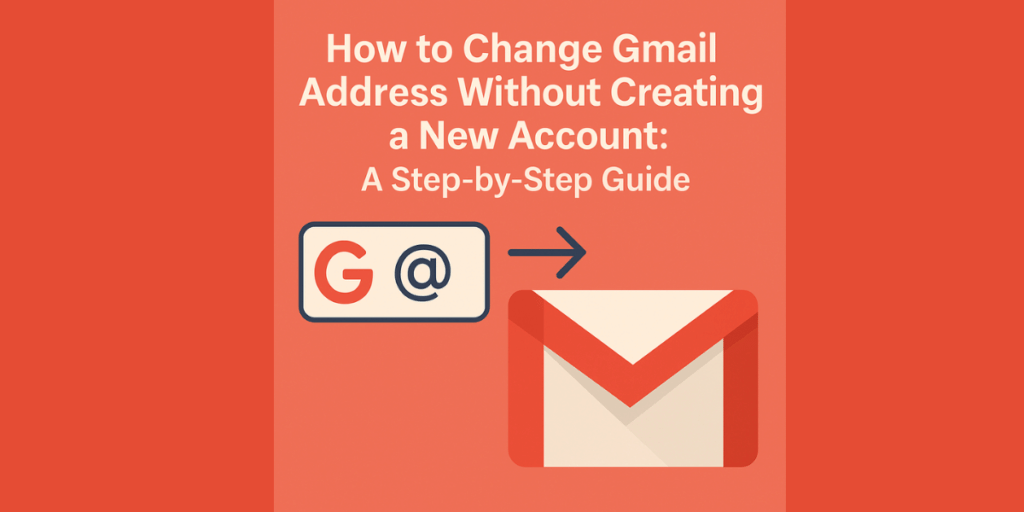
- Change your Gmail username to a new one ending in @gmail.com.
- Your old email becomes an alias. Emails sent to the old address still reach your inbox.
- Sign in with either your old or new email address.
- All data stays safe – no loss of emails, photos, or Google services access.
- Send emails from your old address even after the change.
- Old address cannot be used by anyone else with this new Change Gmail Address feature.
Also Read: Axis Bank’s UPI Credit Card Revolutionizes Digital Payments In India
Key Limits And Rules
- You can change your Gmail address up to 3 times per account (total of 4 addresses).
- You can only change it once every 12 months.
- You cannot delete the new address right away.
- You cannot reuse the old address for a new account.
- Some old instances, like Calendar events, may still show the old address for a while.
Also Read: Bharat Taxi App Benefits: New Ride-Hailing Service Launches In Delhi In January
Google says the Change Gmail Address feature is rolling out gradually. It first appeared on the Hindi support page. English users will see it soon. The change will happen in your Google Account settings.
This update gives users more freedom. You can now pick a better email address without starting over. Many people are excited about this long-awaited feature.
Are you still browsing through your broken screen? Don’t worry! Book at-home mobile phone screen repair with Cashify—an affordable and one-stop destination for all your mobile phone needs. In case you break your screen within 1 month of repair, we will replace your screen again—for FREE.