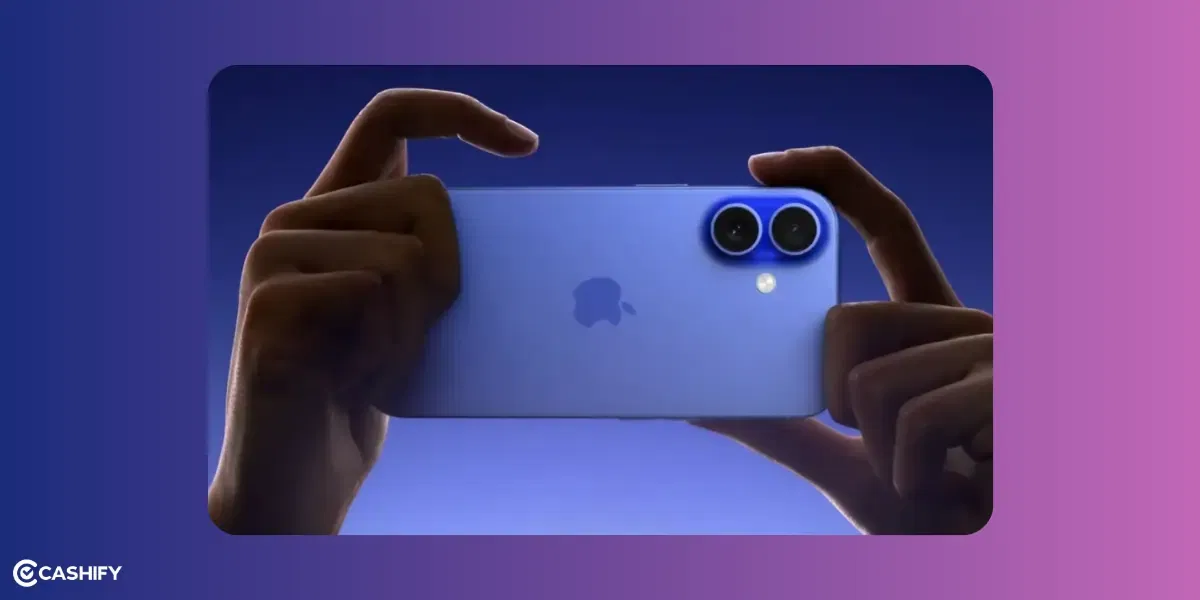
Didn’t think your relatively new iPhone 16 Plus would show up with sound problems? In general, Apple phones don’t provide the best audio quality. It’s decent and workable. However, if you notice low or distorted sound on the iPhone 16 Plus while calling or while playing a video, there can be underlying issues. It could be other factors as well that don’t actually require a repair. Let’s check out the obvious and see what’s causing the distortion.
Also read: Apple iPhone 15 Pro Getting Unexpectedly Warm: 3 Ways To Solve Overheating!
Why Is Your iPhone 16 Plus Speaker Producing Low or Distorted Sound?
Sound problems on the Apple iPhone 16 Plus can happen even in the advanced audio setup with stereo speakers and spatial audio features. Here are the main culprits:
1. Software Glitches or Outdated iOS:
Bugs in the operating system can interfere with audio output. For instance, a faulty update or conflicting app settings might cause distortion or reduced volume. This is often reported after iOS updates or when apps like FaceTime misbehave.
2. Dirt, Dust, or Debris in Speaker Grills:
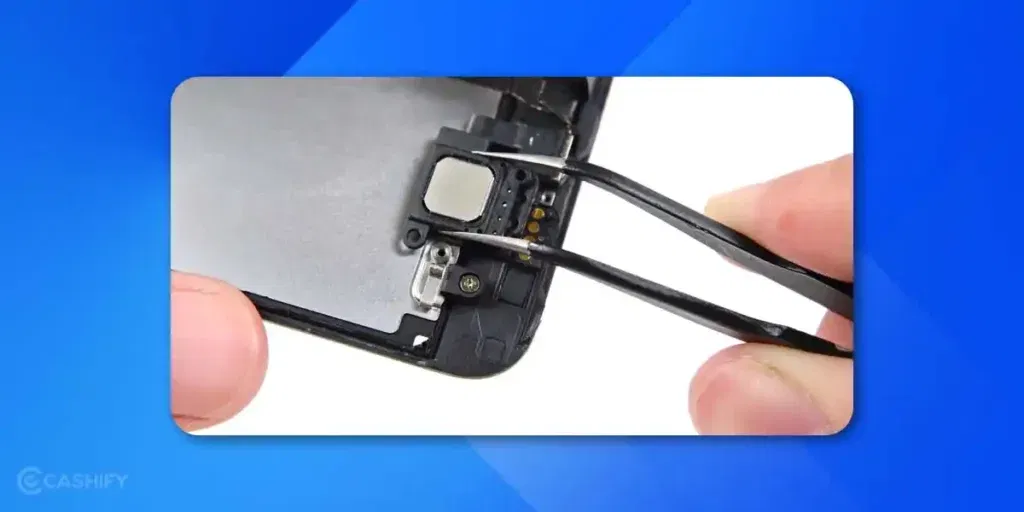
This happens over time. Like pocket lint, dust, or even small particles can block the speaker ports. That causes the muffling sound or causes distortion. The iPhone 16 Plus has bottom-firing speakers and an earpiece speaker that are prone to this if not cleaned regularly. However, this should happen to phones that are old.
3. Incorrect Audio Settings or Modes:
Low volume could simply be due to the ringer/alert slider being turned down. Also, when Do Not Disturb mode is enabled, or the audio balance is skewed in accessibility settings. Some users experience “weird volume capping”, where sound seems limited beyond a certain level. This could be a software limitation.
Also Read: How Do I Get My iPhone Low Call Volume Back to Normal: Step-by-Step Guide!
4. Hardware Damage:
Low or distorted sound on iPhone 16 Plus straightaway due to physical issues like water exposure, drops, or manufacturing defects is common. It can damage the speakers completely. If you notice crackling at high volumes, it might indicate a failing component. Something like this was seen in some early iPhone 16 Pro Max reports.
5. Connected Accessories or Interference:
If your iPhone is paired with Bluetooth devices (like earbuds or speakers) accidentally, audio might route there instead. Cases or screen protectors that block the grills can also distort sound.
Also read: Apple iPhone 15 Not Charging Properly: Resolve Battery Problems Now!
Troubleshooting Steps to Rule Out Common Causes
Let’s eliminate the basics first. These steps help identify if the problem is software-related, settings-based, or something easily fixable. Follow them in order:
Check Volume and Settings:
- Go to Settings > Sounds & Haptics (or just Sounds on some iOS versions).
- Drag the Ringtone and Alerts slider back and forth to test.
- Ensure the volume isn’t capped low, and check if “Change with Buttons” is enabled. Also, toggle off Do Not Disturb in Control Centre.
Test Audio Sources:
- Play sound from different apps (e.g., Music, YouTube, Phone calls) to see if the issue is app-specific.
- Use the built-in speaker test: Play a ringtone or alarm at max volume.
Restart Your iPhone:
- A simple reboot can clear temporary glitches.
- Press and hold the side button and a volume button until the power slider appears, then slide to shut down.
- Wait 30 seconds and turn it back on.
Also read: Is Repairing My Apple iPhone 14 Through Cashify Reliable?
Update iOS:
Software bugs are a frequent cause.
- Head to Settings > General > Software Update and install any available updates.
Disable Bluetooth and Check Accessories:
- Swipe down to Control Centre and turn off Bluetooth to ensure audio isn’t routing elsewhere.
- Remove any case, screen protector, or magnetic attachments that might obstruct the speakers.
Clean the Speaker Grills:
Use a soft, dry brush (like a clean toothbrush) to gently remove debris from the bottom speaker and earpiece. Avoid liquids or sharp objects. That could cause further damage.
Reset All Settings:
As a last resort, go to Settings > General > Transfer or Reset iPhone > Reset > Reset All Settings.
This won’t delete data but will revert customisations that might be causing issues.
If these steps don’t resolve the problem, it’s likely a hardware fault rather than a simple oversight.
Also read: Apple iPhone 11 Pro Cracked Screen Repair Cost: What To Expect & Best Option!
Turn To Cashify For iPhone 16 Plus Speaker Damage!
Being a certified mobile phone repair platform, it enables users to connect with experienced Technicians. Consult with them to know the root cause, and get clarity on the phone repair costs. You can also check the Cashify website or app for price estimation, particularly for the iPhone 16 Plus speaker issue.
As of now, the cost for repairing the Apple iPhone 16 Plus speaker-related issue is Rs. 4999.
You can further use coupon discounts to reduce the cost while booking online. Use code RPR25 to reduce the total mobile repair cost by upto Rs. 300 (on the minimum order value of Rs. 2499).
You can also use RPR50 and get up to 50 per cent off on a minimum order value of Rs. 1000
That’s not all, you can enjoy a free doorstep visit for the iPhone repair. The technician will arrive at your designated place at the time you selected while booking the slot. He will either pick up the device for repair and drop it off or repair it right in front of you. So yeah, it’s quick and convenient as well.
Also read: What To Do If Back Camera Not Working On iPhone 11 Pro?
Final Thoughts
Thousands of users rely on Cashify for quick, reliable service. The seamless and affordable service much desirable. You can avoid Apple Store wait times at least. Don’t keep struggling with the poor sound or audio experience for days and months. Get it fixed today and enjoy your iPhone 16 Plus at full volume.
If you’ve just bought a new phone and don’t know what to do with your old phone, then here’s your answer. Sell old mobile to Cashify and get the best price for it. If you are planning to buy a new phone, check out Cashify’s refurbished mobile phones. You can get your favourite phone at almost half price with six-month warranty, 15 days refund and free delivery.