One UI 8 Overheating issue is troubling almost every second Samsung user in the globe today. All of us love to keep our Samsung phones updates, especially when it comes to OneUI, as OneUI has been the most premium-level Android OS, competing well on parallel lines with iOS. And hence, we don’t want to leave any chance to stay in tune with this OS. But it seems like One UI 8 has become a problem for many Samsung fans. Many Samsung users have reported heating issues, especially while updating to OneUI 8. So, what’s the reason behind this? And how do we solve this issue? Let us figure it out inside this blog.
Also Read: Facing iOS 26 Battery Drain Issue? Here’s How To Fix Draining Battery
One UI 8 Overheating Issue: Everything You Need To Know
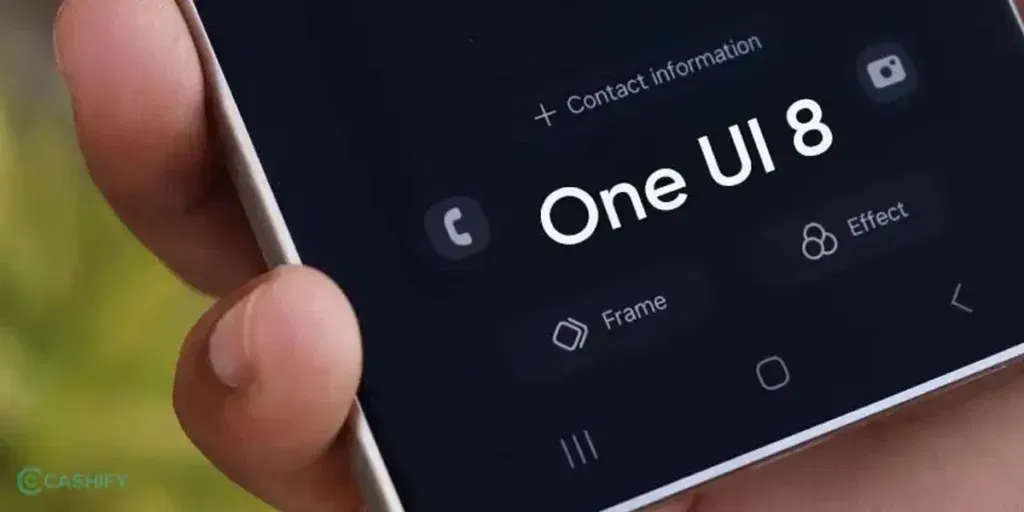
OneUI 8 made its entry as one of the most astonishing OS upgrades of recent times. Bringing the most productive UI changes and the best-ever enhancements in the security department, the 8th installment of OneUI made itself popular among Samsung fans.
But sooner or later, the hype was ruined by the most talked-about issue and the most frustrating problem, the One UI 8 overheating issue.
Talking about the problems, the most severe problems of heating were faced when the One UI 8 Beta version was released, which started to rollout around July and August 2025. In fact, phones like the Galaxy S25 Ultra overheated significantly while running Android Auto, and this problem never occurred on the previous One UI 7. On the other hand, many phone users who like gaming reported that they faced significant battery drain, dropping up to 43% in 3 hours of gaming. In one documented case on YouTube, a person reported that using Android Auto caused the S25 Ultra to become uncomfortably hot near the camera module. The issue was severe enough to trigger system warnings, forcing the screen to turn off.
Also Read: Samsung One UI 8.5: Release Date, Features & Eligible Devices
Common Problems Found In Samsung Phones Due To OneUI 8 Overheating Issue
Here is a summarised list of the key problems that Samsung users faced due to the One UI 8 overheating issue:
- The battery is dropping even when connected to power.
- Heavy drop in charging speed if you are not using the original cable.
- Side panels heat up after usage or exposure to the sun.
- Dip in charging speed.
- Heating while downloading the update.
- The phones started heating while charging.
- Camera spots and speaker spots, top and bottom, became more hot during excessive use.
- Battery drainage became frequent, even in cooler surroundings.
- The screen started facing issues.
Now, let us also tell you about the most common phones that were victims of this problem.
Phones That Faced the OneUI 8 Overheating Issues The Most
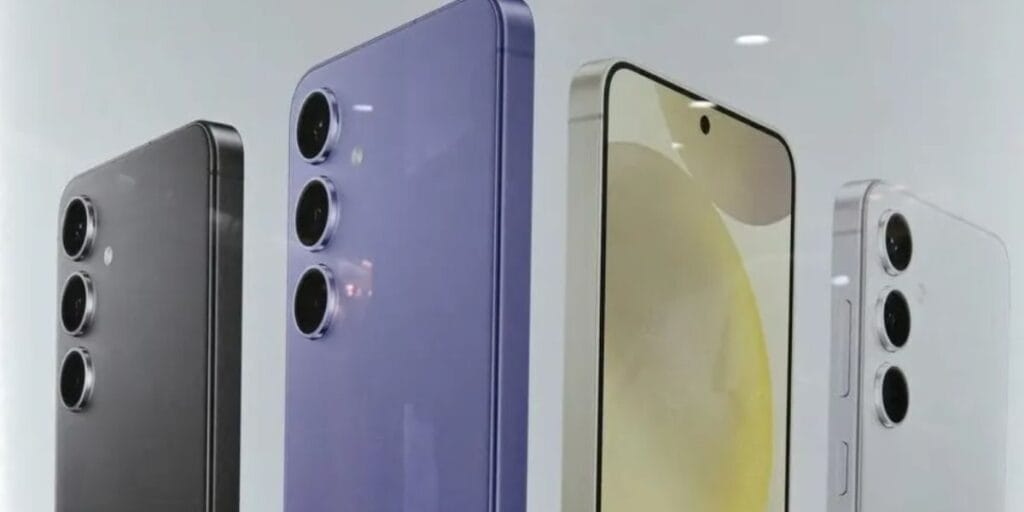
- Samsung Galaxy S23 Ultra
- Samsung Galaxy S25
- Samsung S24
- Samsung Galaxy S24 FE
- Samsung Galaxy S23
- Samsung Galaxy S25 Ultra
- …and the list goes on.
But what’s the fix? How will you solve the problem of this heating issue? It’s not that you will always stick to OneUI 7 and never update to Samsung One UI 8? Never ever fall for such stupid solutions. Just hold on, take your phone, and do as we say. Right here, we bring you the best solutions to the One UI 8 overheating issue, and help you take your phone out of drainage problems. So, here’s the solution.
Also Read: How To Get PM Wani Wifi Connection: The Shortest Guide Is Here
Top Solutions To The One UI 8 Overheating Issue

Never update below 50% battery level
Whenever you are downloading a new update, always make sure your phone’s battery-level is more than 50%, in fact, more than 75%. A lower battery will drain more, and the phone might switch off in the middle of the update, leading to a lag in the update.
Check Your Battery Health
Check the battery health of your phone; if your phone’s battery health is not appropriate, it is recommended that you choose a battery repair. Here’s how you can check the battery health of your Samsung phone:
- Go to settings > Support > Phone diagnostics > Battery status, or
- Access detailed info like cycle count via a hidden dialer code: *#*#4636#*#*.
Try To Use Original Charging Cable
If your battery is facing discharge issues and the phone is overheating during charging, the problem might also be in your cable. Try using original cables and adapters according to your phone’s compatibility.
Avoid Heavy Usage A Few Hours After The Update
The One UI 8 needs a good time to settle down. So it is recommended not use your phone for excessive use or gaming for at least 2-3 hours after the update. Also, try to avoid sunlight exposure to avoid the One UI 8 overheating issue.
Also Read: OnePlus 15R vs OnePlus 13R: What’s New & What’s Improved
Try Latest Version Or Older
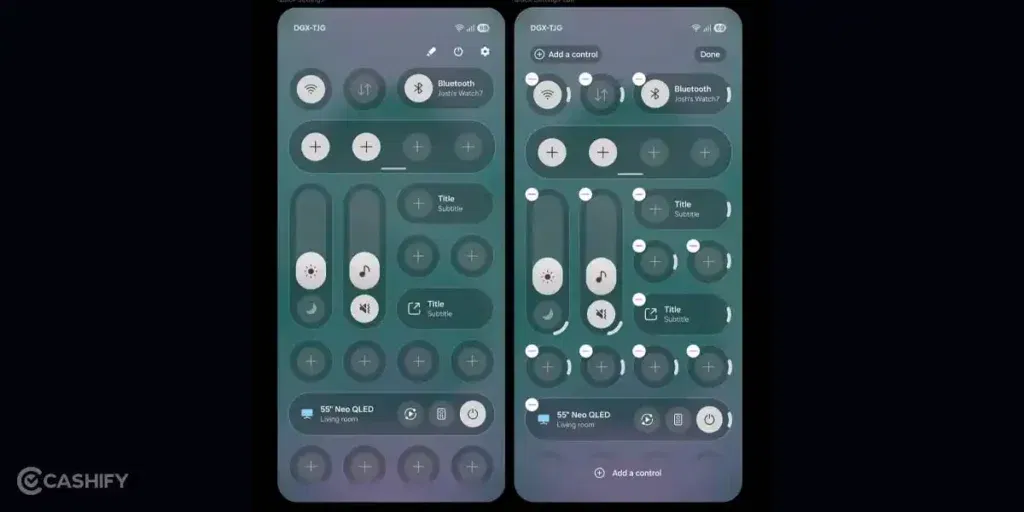
As far as Samsung users’ claims are reviewed, we have found an interesting point that both the OneUI 7 and the OneUI 8.5, the predecessor and successor of OneUI 8, are better in terms of performance and UI. Moreover, their minimal UI and app security make them less prone to internal overprocessing and crashing, which also affects overheating issues.
Reduce Background Apps and Processes
Too many apps running in the background can put a constant load on the phone’s processor. Hence, limit your background apps. Just go to Settings > Battery and device care > Battery > Background usage limits and restrict apps you don’t use often.
Make Sure Your Storage Is Cleared To Some Extent
Phones with heavy storage are more prone to overheating issues. Hence, you should make sure that your storage is cleared, and try to clear apps cache, unnecessary photos and videos, and make your folder a bit more clean.
Turn Off Location And Premium Features
Once you start using One UI 8, we recommend that you turn off location, camera access, NFC, and many such premium features that consume more battery life and processor capacity. Try to use it in simpler settings, and turn these features on only when needed.
End Note
That’s it from this guide on the One UI 8 overheating issue. We have curated all the common symptoms, problems and have brought the best-in-industry solutions to you. These measures will surely reduce your phone’s heating problem and will make it function smoothly just like before. So, use these solutions to solve the One UI 8 overheating issue, and take your Samsung phone back to its OG status! Stay tuned for more such insights and informative guides.
Also Read: how to add location in snapchat
If you’ve just bought a new phone and don’t know what to do with your old phone, then here’s your answer. Sell old mobile to Cashify and get the best price for it. If you are planning to buy a new phone, check out Cashify’s refurbished mobile phones. You can get your favourite phone at almost half price with six-month warranty, 15 days refund and free delivery.

Bhagwat Jha