The One UI Home app on Galaxy devices allows users to personalize their home screens with various customization options, such as adjusting icon placement, animations, and more. Today, Samsung has released a new One UI Home update specifically for Galaxy S25 series users. The lineup includes- Samsung Galaxy S25, Samsung Galaxy S25 Plus, and Samsung Galaxy S25 Ultra. Now, let’s read ahead to know what this amazing Samsung OS update brings.
One UI Home Update Brings These Features
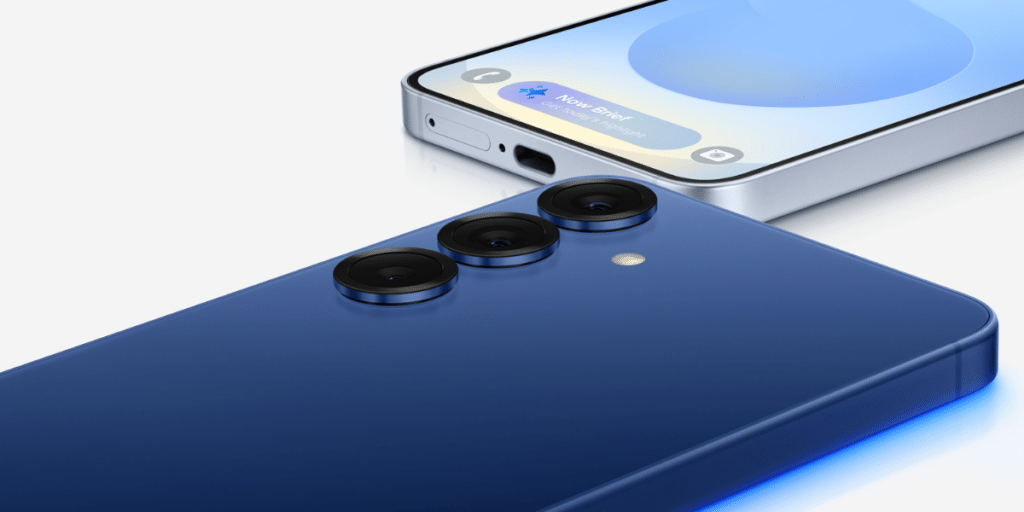
The Galaxy S25 currently runs One UI Home version 16.0.01.3 with the stable One UI 7. However, Samsung has now rolled out a new launcher update for Galaxy S25 series users, upgrading it to version 16.0.02.1.
Also Read: Samsung Galaxy S25 Ultra Night Mode: 5 Tips To Master Night Photos
This update enhances the user experience with smoother and more fluid animations. To check for the update, Galaxy S25 users can press and hold the home screen, navigate to Settings > About Home screen, and see if a new One UI Home update is available.
For those eager to get the update ahead of the official rollout, tipster @taurnvats33 has provided the APK file, allowing users to manually install the latest version and enjoy the improved animations and effects right away.
What To Expect From Other Samsung Updates?
Samsung’s One UI 7 Beta program has officially gone live for the Samsung Galaxy Z Flip 6 and Samsung Galaxy Z Fold 6 in South Korea, while the Galaxy Z Fold 6 has also received the update in India. In One UI 7, the Now Bar has been repositioned higher on devices with optical fingerprint support for better accessibility.
Meanwhile, recent leaks suggest that Samsung’s upcoming Samsung Galaxy S25 Edge flagship is expected to launch next month, in April 2025.
Are you still browsing through your broken screen? Don’t worry! Book at-home mobile phone screen repair with Cashify—an affordable and one-stop destination for all your mobile phone needs. In case you break your screen within 1 month of repair, we will replace your screen again—for FREE.