Samsung has launched the One UI 7 beta for the Samsung Galaxy S23 series. It introduces a range of new features and notable enhancements over One UI 6. Currently available in select countries, users can join the beta through the Samsung Members app, though participation slots are limited. Early feedback highlights a smoother and more intuitive experience, with upgrades in UI design, personalization options, animations, and AI-driven functionalities. So, let’s read ahead to know the new features One UI 7 beta gets for Galaxy S23 Ultra handset.
One UI 7 Beta For Galaxy S23 Ultra: What’s New?
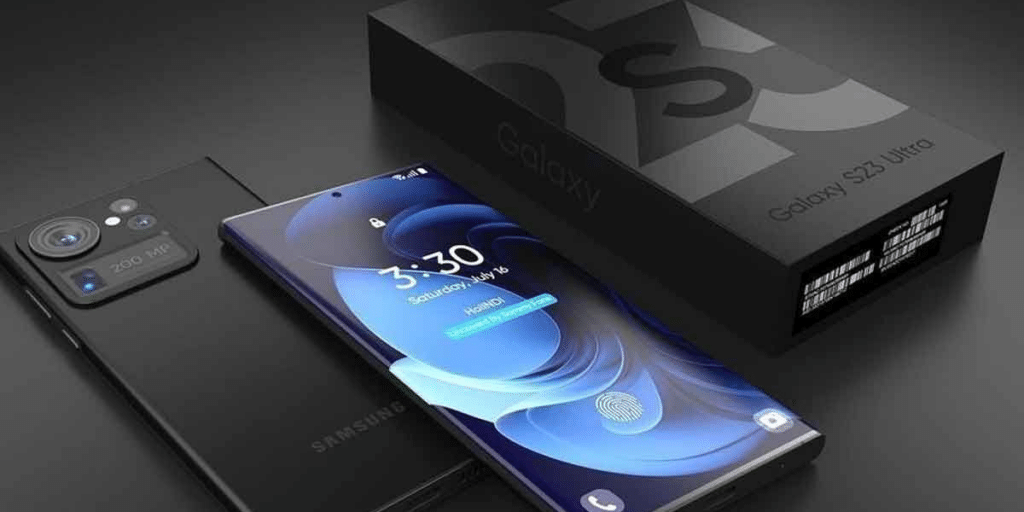
One UI 7 for S23 Ultra brings a fresh design with updated icons, crisper fonts, and enhanced on-screen clarity. The Quick Panel and notification panel have been restructured for a more intuitive and organized experience.
Also Read: Realme UI 7 Vs One UI 7: Key Differences & Best Features Explained!
The Quick Panel now separates connectivity, media controls, brightness settings, and smart device management into distinct sections. Meanwhile, notifications now group into priority and low-priority categories, with added summaries for better clarity.
One UI 7 for Samsung Galaxy S23 Ultra expands personalization options, offering more customization for the lock screen and home screen. Users can now choose from new clock styles, frames, and visual effects. The home screen experience is further improved with larger folders and more dynamic graphical widgets. Additionally, the settings menu has sharper fonts and redesigned icons for a cleaner look.
More Improvements
One UI 7 for S23 handset enhances the user experience with smoother animations for swiping, sliding, and drag-and-drop actions, making interactions feel more fluid. Charging animations now offer a more seamless visual effect. Additionally, the update brings many of the Galaxy AI features from the upcoming S25 series to the S23 lineup. The camera app now boasts a sleek, minimalistic design with new optimizations. The Expert RAW app sees an upgrade with AI-powered filters and a refreshed interface. So, these are the new features and improvements that One UI 7 beta brings for S23 Ultra handset.
Are you still browsing through your broken screen? Don’t worry! Book at-home mobile phone screen repair with Cashify—an affordable and one-stop destination for all your mobile phone needs. In case you break your screen within 1 month of repair, we will replace your screen again—for FREE.