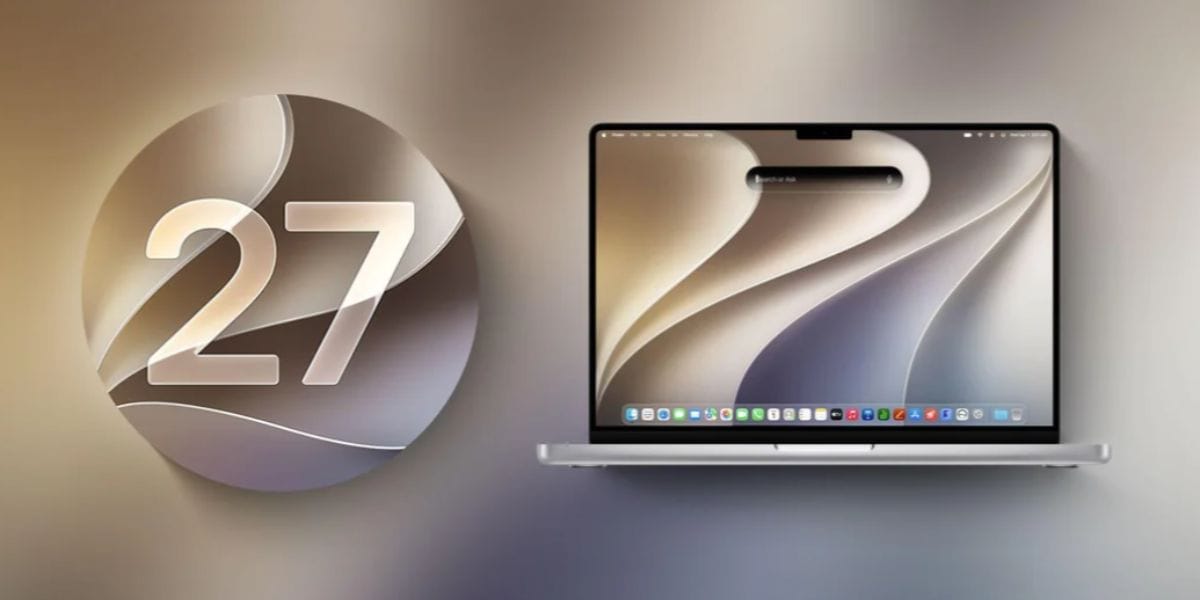
The much-awaited macOS 27 ‘Golden Gate' version has now finally arrived at its beta stage. Yes, macOS 27 Beta 2 is rolling out officially, and those enrolled in the Apple Developer Program are getting the first access to this new MacBook update. But even if you don’t have access to the developer program, we bring you all the details that you will get to witness on your MacBooks after this update. So, let us begin.
Apple Releases macOS 27 Beta 2 Golden Gate Update: Here Is What You Need To Know
Apple has released macOS 27 Golden Gate Beta 2 to developers, introducing a series of refinements aimed at improving usability and visual clarity ahead of the public beta launch. The update focuses on enhancing the new Liquid Glass interface, with increased opacity, improved window shadowing, and a customisable transparency slider designed to boost readability across the system.
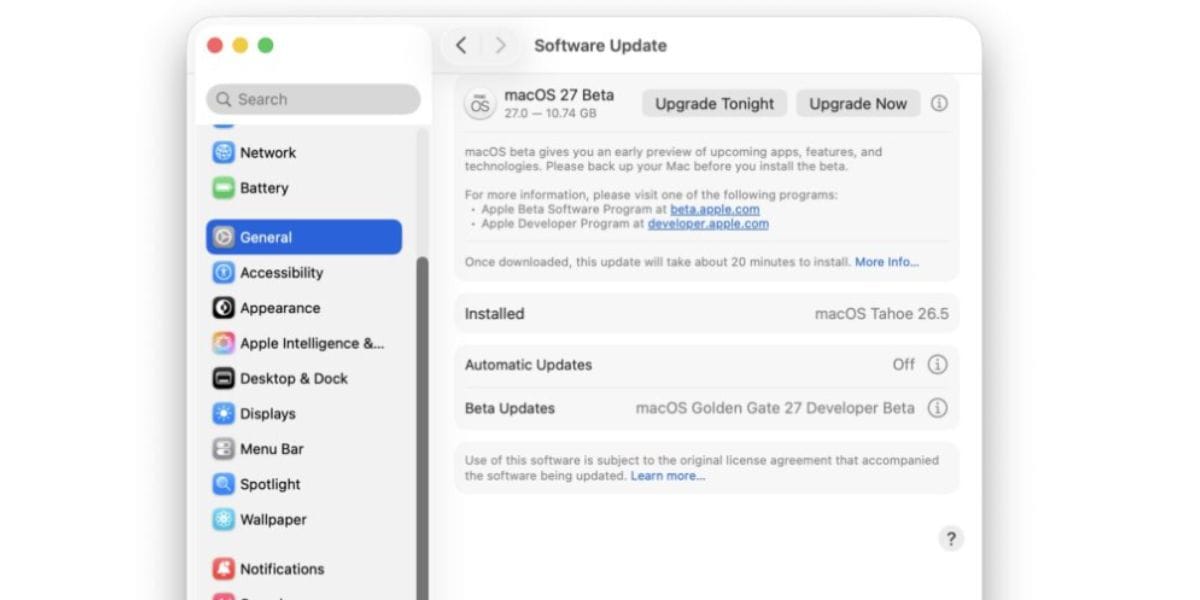
Beta 2 also delivers more consistent toolbars, edge-to-edge sidebars, reduced corner rounding, and a cleaner menu bar experience. While the release does not introduce major new features, it reflects Apple’s efforts to respond quickly to developer feedback following the WWDC 2026 unveiling of macOS 27.
Also Read: iOS 26.5.2 Update: Why You Should Install It Soon
Let us give you a detailed breakdown of what new features will come in the macOS 27 beta 2 update.
All New Features Your MacBook Will See After This Update
- Improved Liquid Glass design: Transparency effects are less distracting, making text, menus, and windows easier to read.
- Better window management: Stronger shadows and depth effects help identify the active app window more quickly.
- Cleaner interface: Menu bar icons and visual clutter have been reduced for a tidier desktop experience.
- Enhanced customisation: New transparency controls let users adjust the intensity of visual effects.
- More consistent apps: Toolbars and sidebars now follow a more unified design across macOS.
- Apple Intelligence upgrades: Smarter Siri interactions, improved Search, and more capable AI-powered Shortcuts remain key features.
- Stability improvements: Numerous bug fixes and performance optimisations based on developer feedback from Beta 1.
Also Read: One UI 9.0 Media Player Gets 5 New Changes On Galaxy Phones
Are you still browsing through your broken screen? Don’t worry! Book at-home mobile phone screen repair with Cashify—an affordable and one-stop destination for all your mobile phone needs. In case you break your screen within 1 month of repair, we will replace your screen again—for FREE.