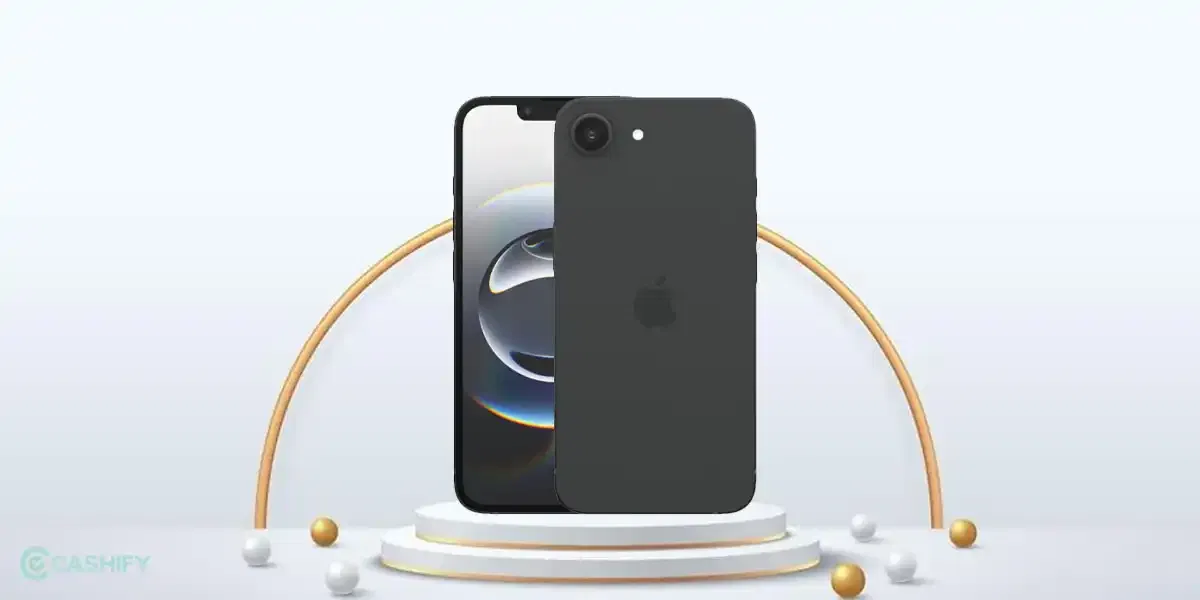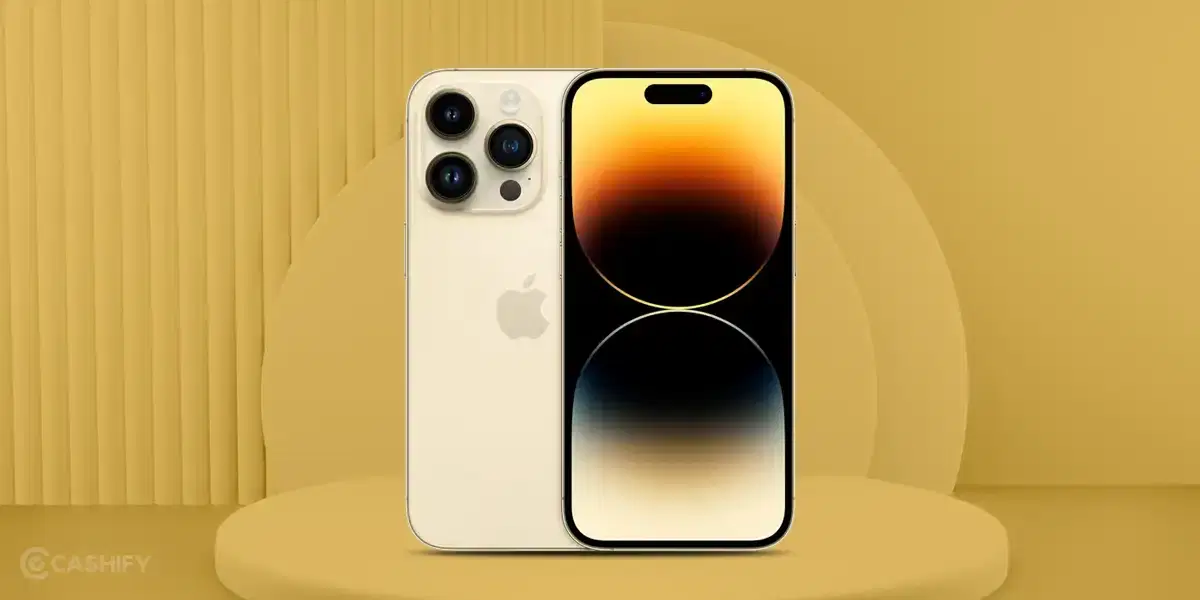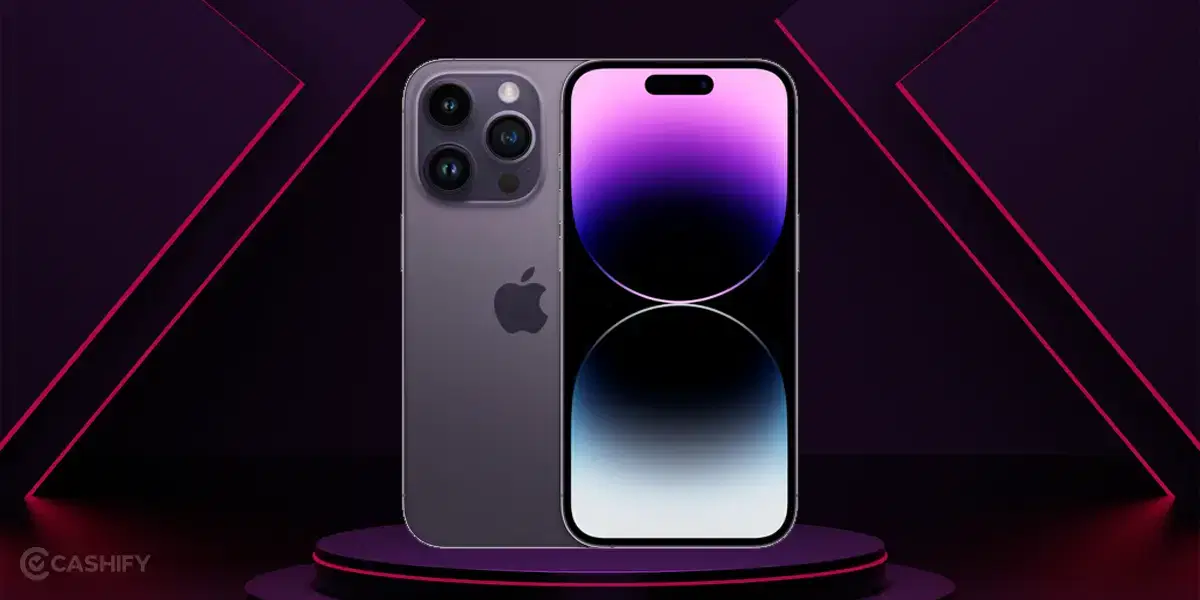

Apple has started rolling out the iOS 27.2.1 Update for iPhone users worldwide. The latest software update focuses on fixing bugs and improving security. Apple has also released macOS 27.2.1 for Mac users with similar improvements.
The iOS 27.2.1 Update is now available to download, and we have also received it on our iPhone. However, don't expect major new features with this release, as Apple is mainly focusing on improving the software experience.
Also Read: OnePlus ColorOS 17 Rollout Schedule Revealed: Check Eligible Phones And Dates
iOS 27.2.1 Update: What's New?
The iOS 27.2.1 Update has a download size of approximately 590MB on our iPhone. According to Apple's release notes, the update provides bug fixes and security updates for the device.

Apple has not shared a detailed list of the individual bugs fixed in this release. However, the update is intended to address software issues and improve the security of iPhones.
Alongside the iPhone update, Apple has also released macOS 27.2.1 for Mac users. The update is available for devices running macOS Golden Gate 27.2 and has a download size of around 3.33GB on our Mac.
Its release notes also mention bug fixes and security updates. Both releases are focused on improving device stability and security rather than introducing new features.
How to Download the iOS 27.2.1 Update
iPhone users can check for the latest iOS update directly through their device settings. Follow these steps:
- Open the Settings app on your iPhone.
- Go to General.
- Tap Software Update.
- Wait for your iPhone to check for available updates.
- Select Update Now if iOS 27.2.1 is available.
Make sure your iPhone has enough battery and a stable Wi-Fi connection before starting the installation. It is also recommended to back up important data before updating your device.
Also Read : iPhone 20 Pro Leaks: Apple Planning Its Biggest Battery Upgrade Yet?
How to Download macOS 27.2.1
Mac users can also install the latest update by following these steps:
- Open System Settings on your Mac.
- Select General.
- Click on Software Update.
- Check whether macOS 27.2.1 is available.
- Download and install the update.
iOS 27.2.1 Update Availability
Apple has started rolling out the iOS 27.2.1 Update and macOS 27.2.1 globally. However, the update may not appear on every device at the same time. Users can check the Software Update section to see whether it is available for their device.
To sum up, the latest iOS and macOS releases are smaller maintenance updates that focus on bug fixes and security improvements. The download sizes mentioned above are based on our devices and may vary depending on the model and currently installed software version.
Also Read: HyperOS 4 Global Rollout Begins: What's New And Which Phones Will Get The Update?
Are you still browsing through your broken screen? Don’t worry! Book at-home mobile phone screen repair with Cashify—an affordable and one-stop destination for all your mobile phone needs. In case you break your screen within 1 month of repair, we will replace your screen again—for FREE.