Apple’s recent iOS 18.1 update, was released to users on October 28. IT introduces a security feature that may complicate things for both thieves and law enforcement. As per some US police departments, certain iPhone models rebooted unexpectedly while they were held for forensic analysis. Due to this, a new challenge arises in bypassing the security of the device. The reason for this is the new security feature in those iPhone models that keeps the phone safe and does not let its data out. So, read ahead to learn more about the recent security update by iOS 18.1.
iOS 18.1 Security Update: What You Need To Know
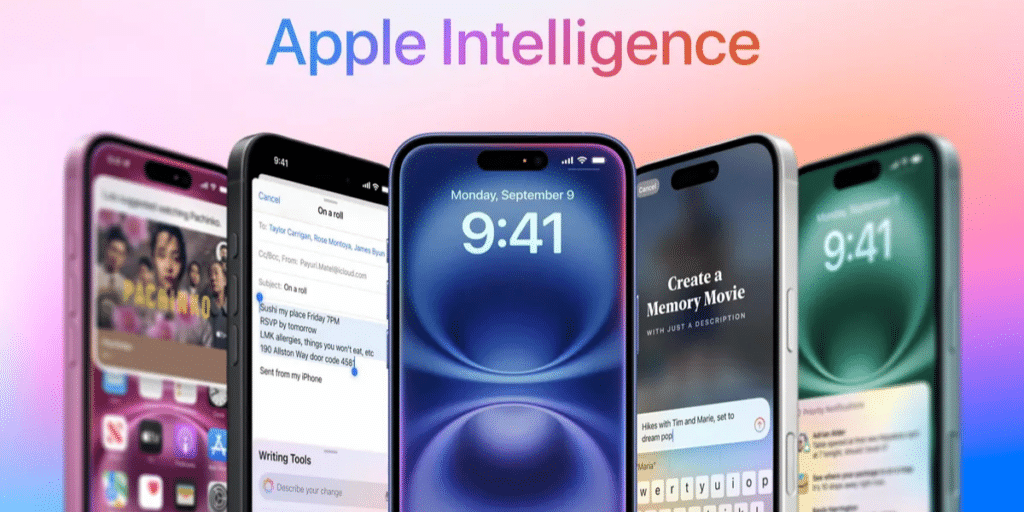
Apple’s latest ‘Inactivity Report’ feature in iOS 18.1 update is not related to the phone’s network. It reboots any iPhone running on iOS 18.1 which has not been unlocked for a while.
Also Read: 9 Apple iOS 18 Features That Will Make You Say Wow
This feature impacts thieves and law enforcement, as they cannot break into anyone’s iPhone. It also makes it hard to extract data from the phone keeping the data safe.
An iPhone stays in AFU (After First Unlock) mode until it’s restarted, allowing law enforcement (or unauthorized users) to use specialized tools, like those from Cellebrite or GrayKey, to unlock the device and access its data. However, if the iPhone is in BFU (Before First Unlock) mode, these tools face significantly greater difficulty in bypassing the security due to the increased resistance to brute-force methods.
In 2016, Apple refused the FBI to unlock an iPhone and now the company adds a setting to disable USB debugging on its smartphones. This latest iOS 18.1 security update’s “Inactivity Reboot’ feature triggers the iPhone to restart after it remains unopened for four days.
Are you still browsing through your broken screen? Don’t worry! Book at-home mobile phone screen repair with Cashify—an affordable and one-stop destination for all your mobile phone needs. In case you break your screen within 1 month of repair, we will replace your screen again—for FREE.