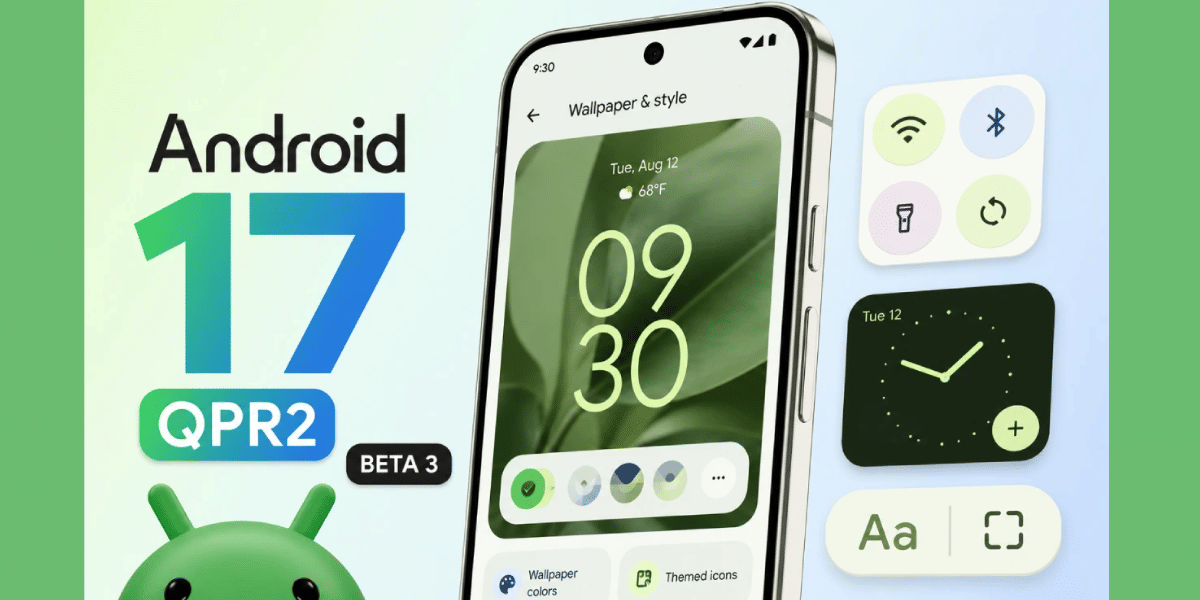
Google released Android 17 QPR2 Beta 3 for Pixel phones on August 14, 2026. It's a Friday drop, which is rare for Google. So far, this is the biggest update of the entire beta cycle.
The update brings a new Quick Settings layout editor, expanded theming options, more blur effects, and better multitasking on foldables. It also adds a real security fix: new protection against call-forwarding scams.
Is Your Pixel Getting Android 17 QPR2 Beta 3?
The update is available on the Pixel 6a and newer. That includes the Pixel 7 series, Pixel 7a, Pixel 8 series, Pixel 8a, Pixel 9 series, Pixel 9a, Pixel 10 series, Pixel 10a, Pixel Fold, Pixel 9 Pro Fold, Pixel 10 Pro Fold, and Pixel Tablet.
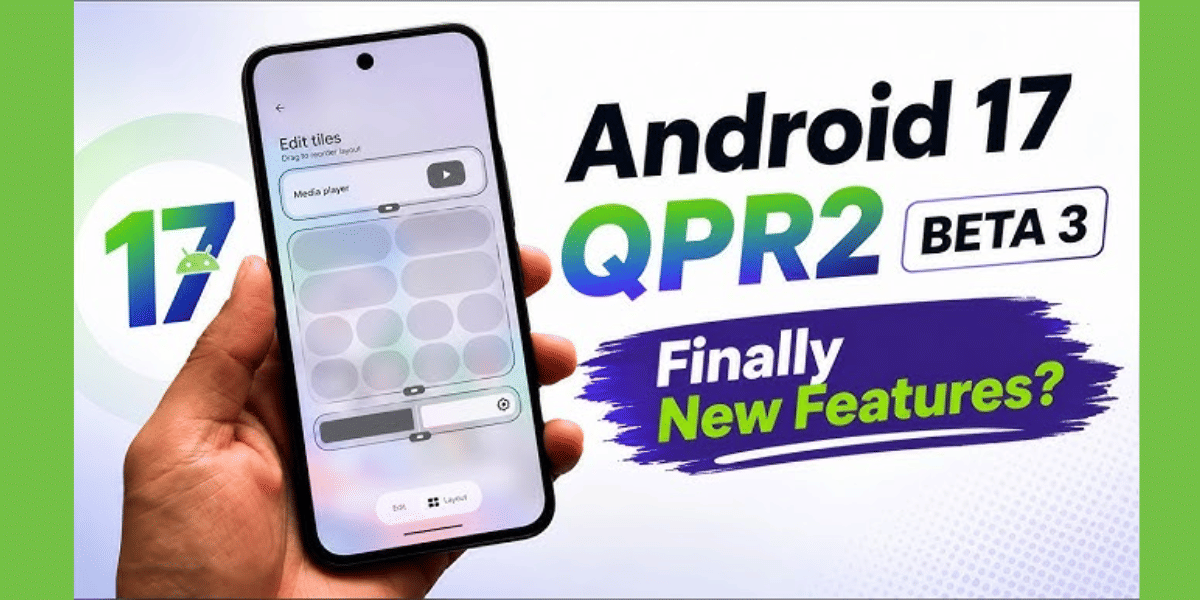
The Pixel 6 and Pixel 6 Pro are not included. Both phones are close to five years old, and Google's software support window for them is ending around the same time this update goes stable. If you own either of these two phones, this is likely one of the last updates you'll see.
Also Read: Hello UI vs One UI: Which Is The Better Android OS For You?
How to Install Android 17 QPR2 Beta 3
- Make sure your Pixel is one of the supported models listed above.
- Go to the Android Beta Program website and sign in with your Google account.
- Find your Pixel device in the list and opt in to the beta.
- On your phone, go to Settings, then System, then System Update.
- Check for an update. The beta should download automatically once you're enrolled.
- If you're already enrolled in the beta, the update will arrive on its own as an over-the-air download, unless you've turned off automatic updates.
- Install the update and restart your phone when prompted.
What's New in This Update
Google added a hue slider to the theming system, giving users more control over their phone's colors beyond the four existing style options. Blur effects now extend to more parts of the interface, including lock screen shortcuts, the fingerprint button, and notifications.
Foldable phone owners get a useful change too. Apps running in split-screen windows now show a small handle you can drag to switch between full-screen and split-screen mode. There's also a new shortcut to open a bubble in full-screen view.
Google fixed two annoying bugs in this build. First, opening the notification shade or Quick Settings sometimes caused the screen to glitch and the phone to restart on its own. That's fixed now. Second, the Device Health and Support tool was wrongly telling some users their battery had degraded when it hadn't. That's fixed too.
Also Read : OneUI 9.5 Display Leaks Hint At iOS-Like Liquid Glass Style Makeover
Google Is Cracking Down on Call-Forwarding Scams
This is the standout change in Beta 3. Scammers often trick people into typing a code that secretly forwards their calls to another number. Once that happens, the scammer can intercept OTPs and take over bank accounts or other services.
Android 17 now blocks this trick in two ways. Apps can no longer use background code to turn on call forwarding just by having basic phone permission. If they try, the system blocks it automatically. And if a person manually types a call-forwarding code into the dialer themselves, Android now shows a confirmation pop-up before it goes through, giving them a chance to stop and think.
Google confirmed this change doesn't affect other codes, like the ones used for mobile money transfers or checking your account balance. Only call-forwarding codes are affected.
Are you still browsing through your broken screen? Don’t worry! Book at-home mobile phone screen repair with Cashify—an affordable and one-stop destination for all your mobile phone needs. In case you break your screen within 1 month of repair, we will replace your screen again—for FREE.