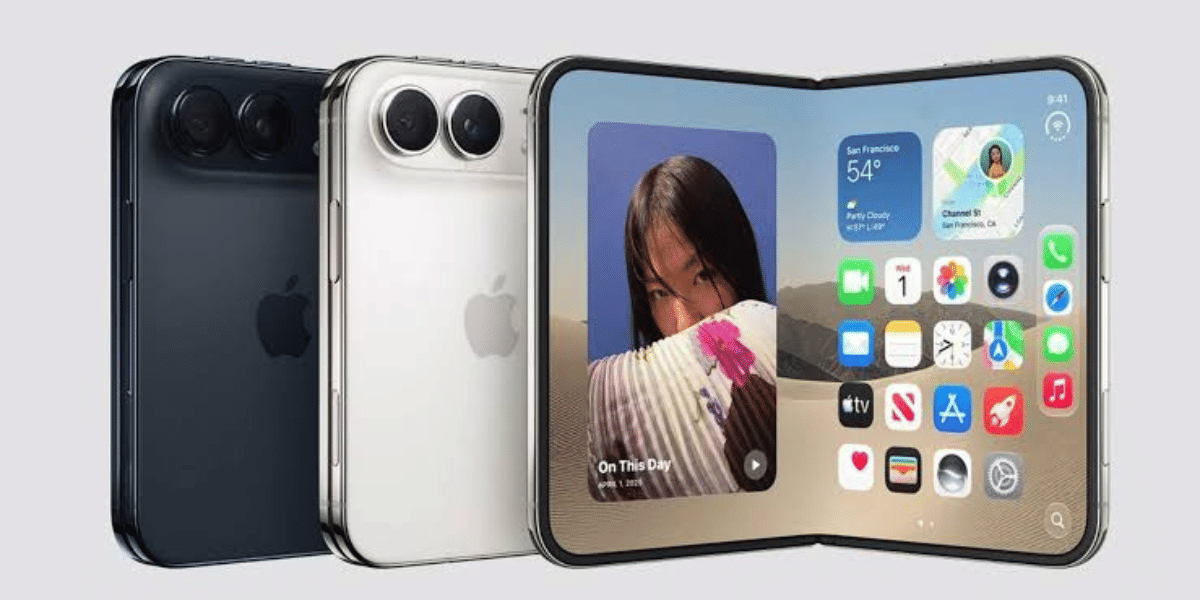
Apple is one brand that is quite serious about giving regular updates to users from time to time! The latest update is the iOS 26.2 update. The iOS 26.2 release date was on December 12, 2025! Although it’s not a big change, but it does focus on small but functional improvements. These improvements will make the iPhone work better and feel smoother.
The iOS 26.2 update has better features in Music, Podcasts, and Reminders. You will also see small changes when you use the iPhone daily. There are also security fixes to protect your data.
The iOS 26.2 is available worldwide for all supported iPhones. If you are still using iOS 26.1, you can update it now. In this guide, I will cover all the small but useful details about the update so you can make a better decision. Let’s get started:
Also Read: HyperOS 3.1 Release Date, Eligible Devices, More Details!
iOS 26.2 Release Date
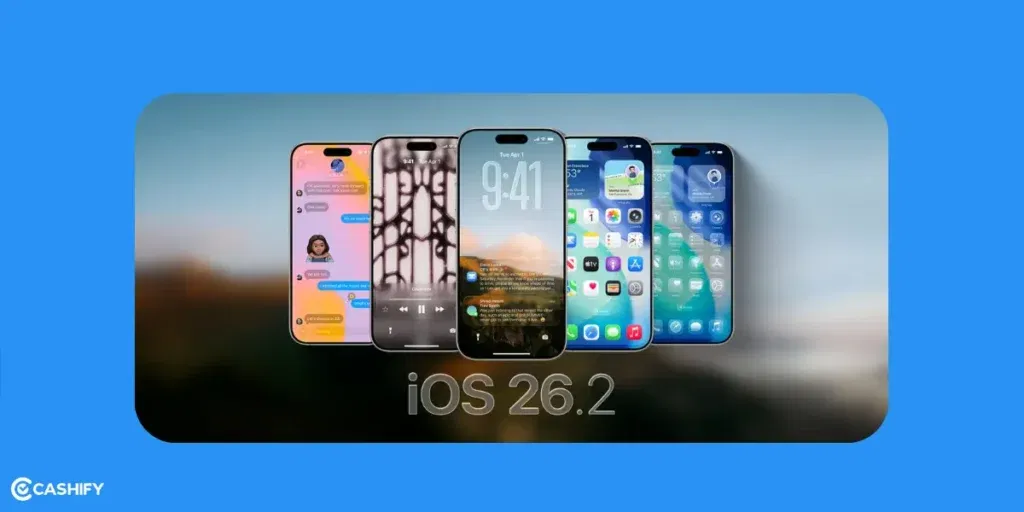
Apple released iOS 26.2 on December 12, 2025. Before the final version, Apple tested it through beta versions starting in early November. There were four beta versions and two final test versions.
How to Update iOS 26.2?
To update your iPhone:
- Open Settings
- Tap General
- Tap Software Update
The update size is about 1 to 2 GB, depending on your iPhone model. Before updating, take a backup using iCloud or Finder to keep your data safe.
For Beta Testers
If you were already using the Release Candidate (RC) version, you do not need to do anything. The public version is exactly the same as the RC. There were no delays or major problems reported as of now.
Also Read: You Can Now Use AirDrop on Android: Here’s How to Use It!
iOS 26.2 Update Eligible Devices
iOS 26.2 is available for all iPhones that already support iOS 26. It means the device must have an A13 chip or newer. Older models like the iPhone XS and iPhone XR do not get this update. Apple Intelligence need even more powerful hardware. It requires an A17 Pro chip or newer. So, these features are only available on the iPhone 15 Pro and later models.
Let’s check out the list of devices that support the iOS 26.2 Update:
| iPhone Model | iOS 26.2 Support |
|---|---|
| iPhone 17 Series (Air, Pro, Pro Max) | Supported |
| iPhone 16 Series | Supported |
| iPhone 15 Series | Supported |
| iPhone 14 Series | Supported |
| iPhone 13 Series | Supported |
| iPhone 12 Series | Supported |
| iPhone 11 Series | Supported |
| iPhone SE (2nd Gen and later) | Supported |
| iPhone XS / XR | Not Supported (Stops at iOS 18) |
iOS 26.2 Features: All Details
iOS 26 introduced the new Liquid Glass design with see-through menus. iOS 26.2 focuses on making things work better and more smoothly. It is not about big visual changes.
This update improves usability, updates media apps, gives better privacy, and fixes many bugs. Below are the main features and improvements included in iOS 26.2.
Liquid Glass UI Improvements
Liquid Glass is a see-through 3D-like interface that changes with your phone’s background.
Key improvements in Liquid Glass:
- You can now adjust how see-through your clock looks. Long-press your Lock Screen > Customise > Clock. Use the slider (0 to 100%) to make it fully visible or partly transparent. The clock also changes automatically.
- Notifications now “float” with soft shadows that match your wallpaper. If you get many messages, they stack neatly with a layered glass effect.
- Widgets now have smoother blurred edges. They match your app icons. There’s also a new Clear theme for a simpler, flatter look if the original felt too busy.
Also Read: OnePlus 15 Vs iPhone 17: Which One Should You Choose?
Apple Music: Offline Access and Smarter Recommendations
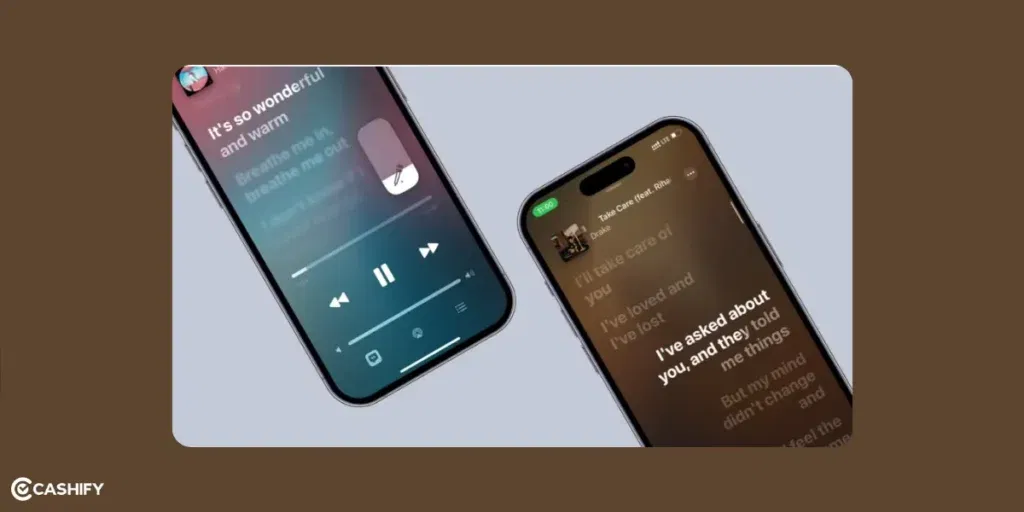
iOS 26.2 gives Apple Music major improvements. Let’s check them out:
- You can now save lyrics for all your songs. This includes timed and translated versions. This works even when you are offline or using Apple Music Sing. You don’t need the internet for karaoke or sing-alongs.
- New albums that drop at midnight now play instantly without buffering. A bug in iOS 26.1 that made pre-release songs skip has been fixed.
- A new Favorites tab collects songs from your likes, playlists, and stations. AI can suggest “Deep Cuts”. These are the songs you might like based on what you listen to.
- You can share song snippets directly to Messages or Notes with the lyrics included.
- Music loads up to 20% faster for large libraries (500GB or more).
Reminders App
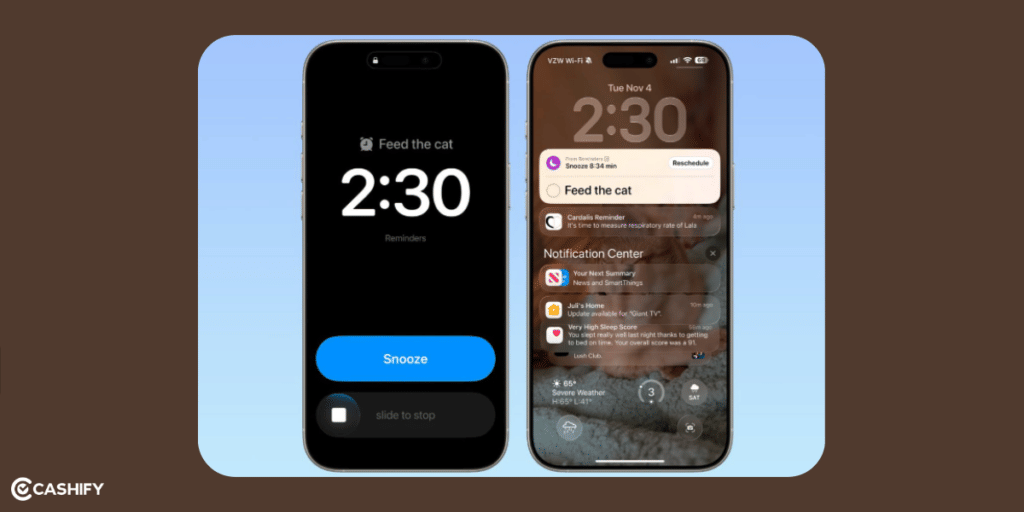
iOS 26.2 makes the Reminders app smarter. Here’s how:
- You can turn any reminder into an alarm. It includes snooze and repeat options and appears on the Lock Screen as a live notification.
- AI can reorder your list based on urgency. Example: “Groceries” moves to the top if you are near a store.
- Family or group lists update in real-time. You can react with emojis.
Podcasts App: AI Chapters and Smarter Navigation
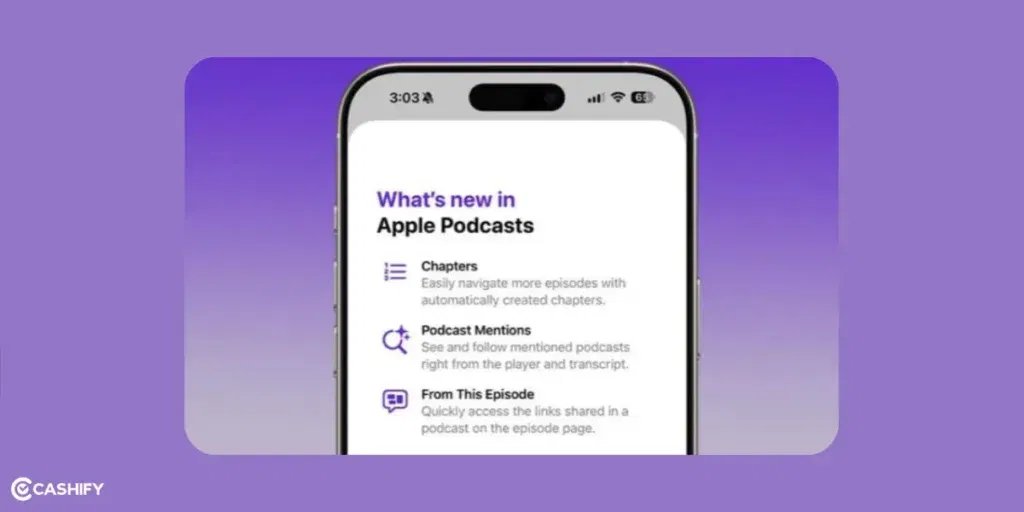
iOS 26.2 makes the Podcasts app smarter using Apple Intelligence. Your iPhone can now organise the podcasts automatically.
- If a podcaster doesn’t add timestamps, AI can create chapters for you. For example:
- When a show mentions another podcast, episode, or guest, inline links appear. Tap them to subscribe or add to your queue.
- Links to Apple Music, TV, or News clips play without leaving the app.
- New “Follow-Up Queue” automatically adds related episodes for easier listening.
AirDrop & Sharing
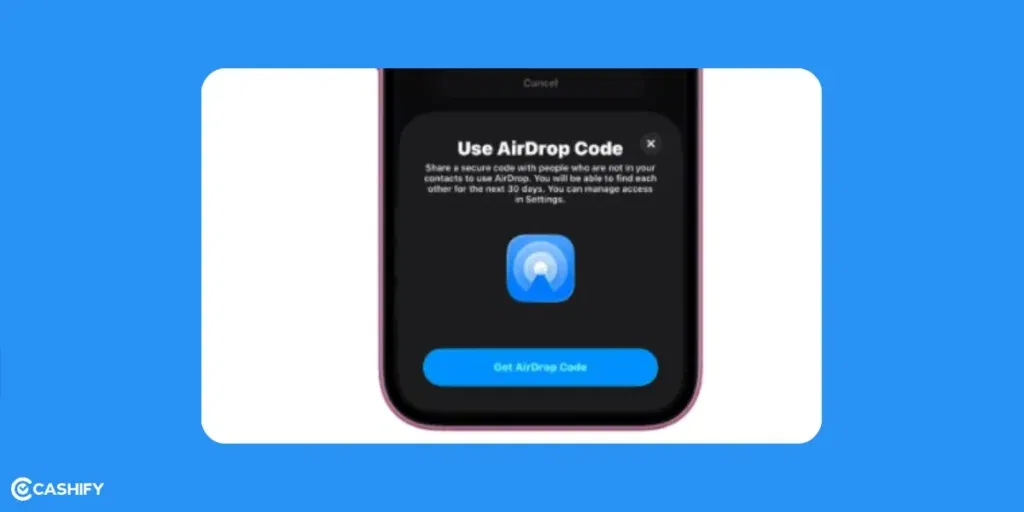
iOS 26.2 makes AirDrop and sharing more secure. Let’s check out how:
- If you share with someone who is not in your contacts, you can create a 6-digit PIN that works for 30 days. The recipient enters the PIN to receive the file. This way, they don’t get full access, and the PIN expires automatically.
- You can add devices for short-term events, like “Conference Mode” for 24 hours. After that, they are removed automatically. This fixes a problem where shared files could stay on other devices too long.
- Before sending a file, you see a blurred preview of sensitive content. It includes addresses in screenshots. You can use the “Obscure” toggle to hide details.
Safety & Accessibility Enhancements
iOS 26.2 adds new tools for safety and accessibility.
- In the U.S., alerts for hazards like floods or earthquakes now include Maps, routes, and shelter links. These alerts use Apple News feeds to give detailed, up-to-date information.
- Real-time audio translation in FaceTime and Calls is now available across the EU. Supports 15+ languages.
- The Measure app now has a full-screen bubble level with AR guides. It is good for tasks like hanging shelves or checking surfaces.
- You can now add editable tables with up to 100 rows/columns and formulas.
Bug Fixes and Security In iOS 26.2
iOS 26.2 is a very important update for safety. It fixes more than 22 security problems in iPhones. Let’s check out the details:
| Category | Problem Before | Fix |
|---|---|---|
| WebKit (Browser Engine) | Malicious websites could hack the phone | Fixed two serious bugs to stop hacking |
| Privacy & Security Settings | Some settings showed as company-managed by mistake | Labels corrected |
| Kernel (Core System) | Hackers could get full control (root access) | Dangerous bug fixed |
| App Store | Possible data leaks | Security improved |
| FaceTime | Privacy issues | Leaks fixed |
| Messages | Security flaws | Data protection improved |
| Hidden Photos | Hidden photos could be accessed wrongly | Access bug removed |
Also Read: iQOO 15 Vs OnePlus 15: Price, Specs, All Details!
FAQs: iOS 26.2
When was iOS 26.2 released?
It came out on December 12, 2025 after four beta versions and two Release Candidates. You can update globally via Settings > General > Software Update.
Should I update now?
Yes, especially for security fixes. It fixes two WebKit bugs and over 20 other issues. Battery life and performance are stable or slightly better.
Does iOS 26.2 improve battery life?
Yes, slightly. Users report 5 to 10% better standby time. This is because of smarter background processes and Liquid Glass optimisations.
Which iPhones can install iOS 26.2?
iPhone 11 and newer (iPhone 17–11 series). iPhone SE 2nd generation and later Older phones like iPhone XS/XR are stuck at iOS 18.
Are there any new Apple Intelligence features?
No major new features. Existing tools run smoother, but bigger updates are expected in iOS 26.3.
How big is the download?
About 1.2 to 2 GB, depending on your device. Use Wi-Fi and ensure 50%+ battery or plug in your phone.
Will it slow down older iPhones?
No. iPhone 11 and 12 feel as smooth as iOS 26.1. Apple optimised it for A13 and newer chips.
What if I don’t like the Liquid Glass look?
You can adjust the clock opacity slider or switch to the Clear theme for a flatter, less reflective interface.
When is the next update?
iOS 26.3 beta is expected January 2026, with a stable release around March or April 2026. It will bring bigger Apple Intelligence features.
Final Thoughts: Should You Update To iOS 26.2?
In the end, Apple is finally listening to users with this update. Yes, you should update to iOS 26.2. The update is stable and users did not report major problems during testing. Even the battery remains normal. The security fixes are very important for keeping your phone safe. If you like offline music or need better reminders, this update is especially useful. Many users also like the small changes to the Liquid Glass design. It looks clear and feels smoother.
If you’ve just bought a new phone and don’t know what to do with your old phone, then here’s your answer. Sell old mobile to Cashify and get the best price for it. If you are planning to buy a new phone, check out Cashify’s refurbished mobile phones. You can get your favourite phone at almost half price with six-month warranty, 15 days refund and free delivery.