If you are an Oppo phone user, you might sometimes find yourself unsure about how to properly switch off your device. While turning off a phone seems simple, different Oppo models have slightly different methods. Some newer devices use a combination of buttons, while older models rely on the classic power button.
In this guide, you will learn all the methods to switch/ turn off your Oppo phone, how to force restart it if it freezes, and troubleshooting tips to fix common issues.
Also Read: iQOO 15 Vs iQOO 15 Ultra: Which One Should You Buy In 2026?
Methods To Switch Off Oppo Phones
Oppo offers multiple ways to switch/ turn off your phones. Depending on your phone model and situation, one method may be easier than the others. Here’s a detailed breakdown of the methods you can use:
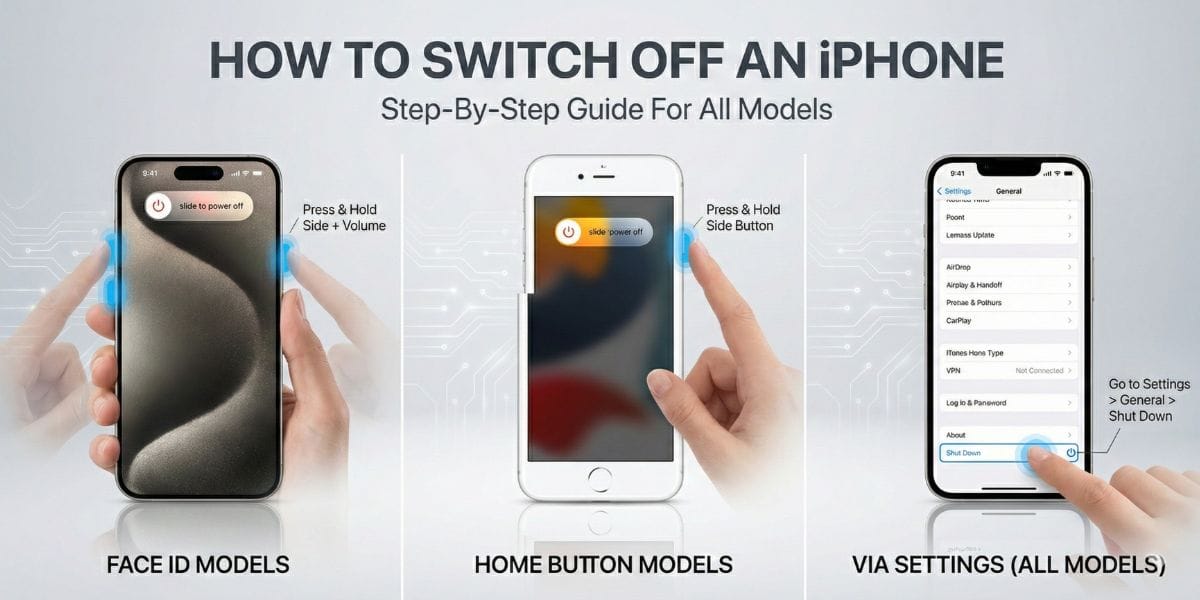
Method 1: Standard Method (For Newer Models)
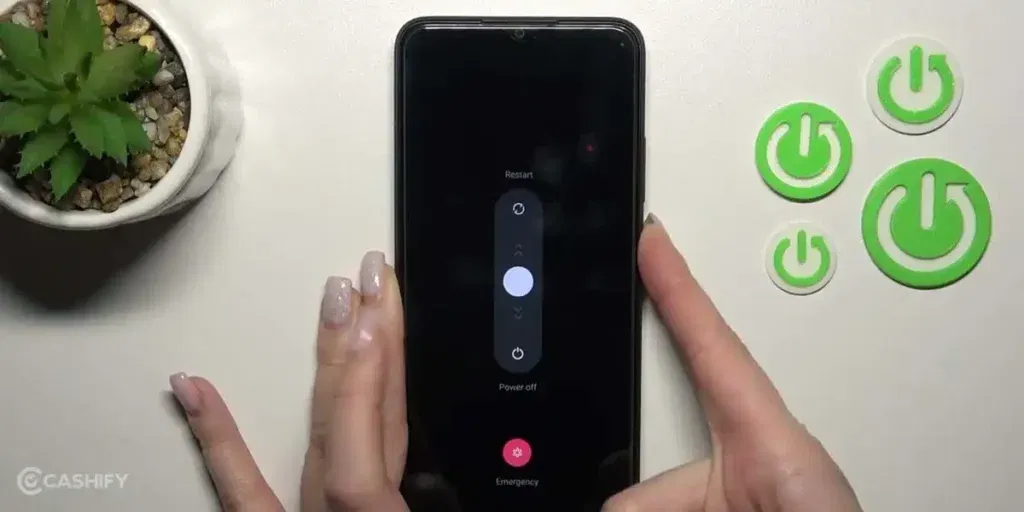
If you are using a newer Oppo phone, this is the easiest and most reliable way to switch/ turn off your Oppo phone. Here, have a look:
- Press and hold the Power button + Volume Up button together.
- Keep holding for 2-3 seconds until the Power Menu appears.
- Tap on Power Off.
- Confirm by tapping Power Off again.
Method 2: Using The Power Button
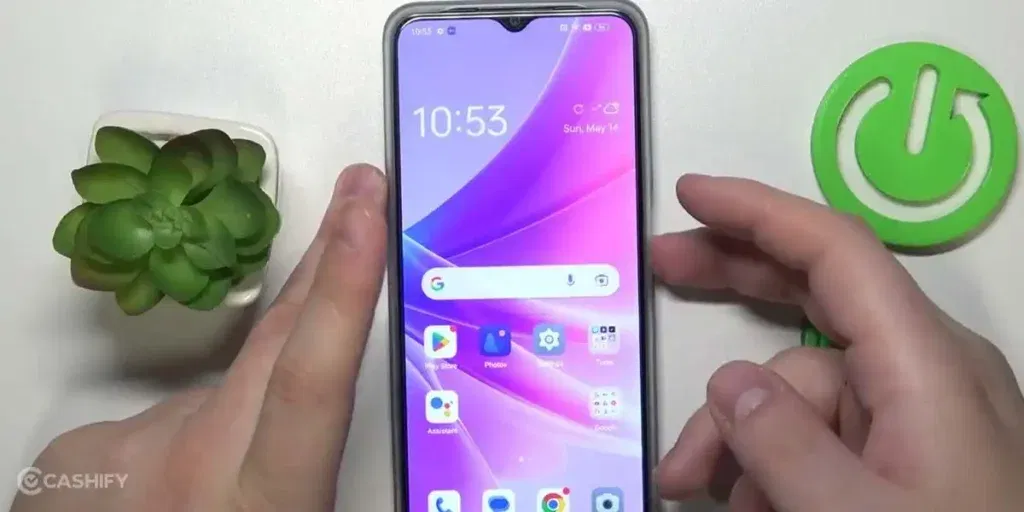
Some Oppo models still support the classic single power button method, where a long press opens the power menu. Here’s how to switch/ turn off Oppo phone using this method:
- Press and hold the Power button for a few seconds.
- The Power Menu should appear on the screen.
- Tap Power Off, then confirm.
What To Do If Google Assistant Opens Instead?
On newer devices, holding the power button may trigger Google Assistant instead of the shutdown menu. To fix this:
- Open Settings
- Go to Convenience Tools> Power Button
- Disable Press and hold for Google Assistant
- Enable Show Power Menu
Now, holding the power button will bring up the shutdown options instead of Google Assistant.
Also Read: iQOO 15 Ultra Launch Date, Specs And Price: Full Details Revealed
Method 3: Via Settings
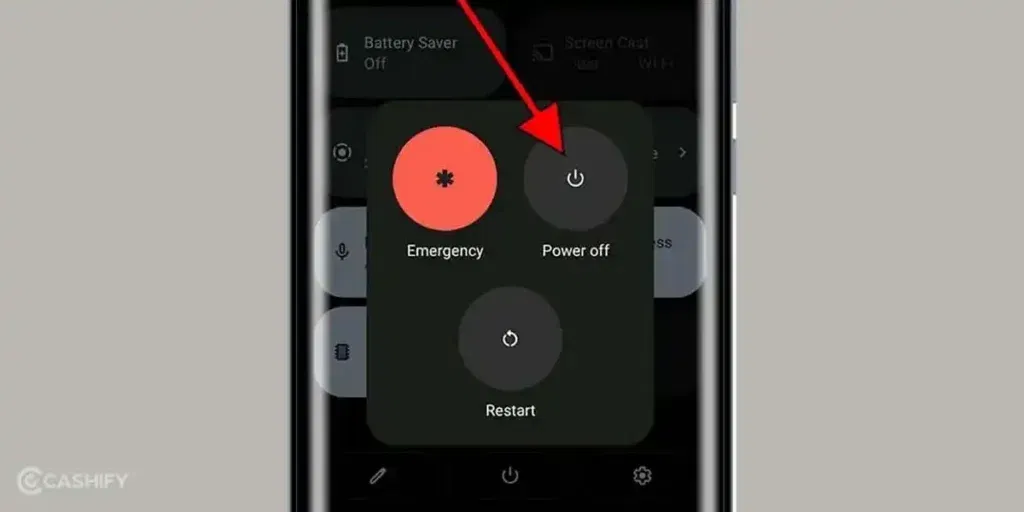
If your phone’s buttons are not working or you prefer a software-only solution, you can switch/ turn off your Oppo phone directly from the Settings menu.
- Open the Settings app on your phone.
- Scroll down and tap on Additional Settings.
- Look for Power Off & Restart or a similar option.
- Tap Power Off, then confirm.
Note: This method is particularly useful if your power button is broken or the touch screen is working fine.
How To Force Restart Oppo Phones?
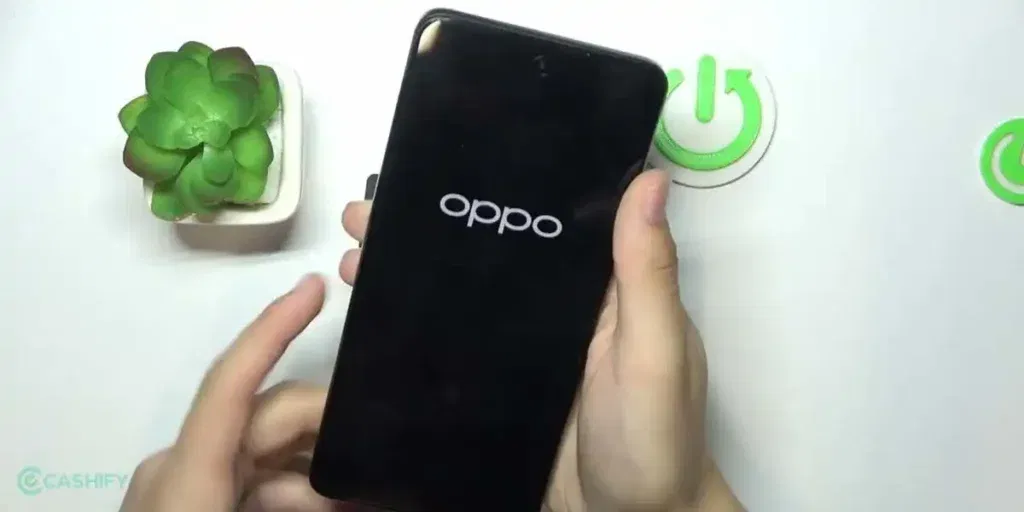
Sometimes your Oppo phone may freeze, become unresponsive, or get stuck on a black screen. In such cases, a normal shutdown may not work. This is where force restart comes in handy. Check the steps to switch/ turn off Oppo phone:
- Press and hold the Power button + Volume Down button together.
- Keep holding for 10-15 seconds.
- Release the buttons when the Oppo logo appears.
Your phone will restart automatically.
When to use a force restart:
- Screen is frozen or touch is unresponsive
- Phone is stuck on the startup logo
- Apps freeze and the device won’t respond
Note: Force restarting is safe and won’t delete any data from your phone. It’s especially useful if your device is frozen, apps are crashing, or the screen is not responding.
Also Read: iQOO 15R Launch Date In India, Specs, Price, and What to Expect
Common Troubleshooting Tips
Even after knowing how to switch/ turn off your Oppo phone, you might face issues where the phone doesn’t respond to the usual methods. Here are some tips to fix common problems:
- Phone Not Responding: If your Oppo phone freezes or doesn’t respond to touch, try a force restart. If that doesn’t work, connect your phone to a charger, wait for about 30 minutes, and then attempt to restart it again.
- Power Button Not Working: When the power button is damaged or not responding, you can switch off your phone using the Settings menu. This is a useful temporary solution until the button can be repaired.
- Phone Stuck on Boot Screen: If your phone gets stuck on the Oppo logo or boot screen, a force restart can often fix the problem. If the phone keeps getting stuck, visiting an authorized Oppo service center is recommended.
- Battery Drain Issues: Low or unstable battery levels can prevent your phone from shutting down properly. Fully charge your phone and then try powering it off again.
- Software Glitches: Outdated or buggy software may cause shutdown or restart issues. Check for system updates regularly, as updates often fix bugs and improve overall performance.
Final Thoughts
Switching off an Oppo phone is simple once you know the right method for your device. Whether you are using the Power + Volume button, the Power button alone, or the Settings menu, Oppo offers multiple ways to turn off your phone easily. Knowing how to force restart your device can also save you when your phone freezes or becomes unresponsive.
Also Read: Nothing Phone 4a Launch Date In India, Price, Specs And More
Frequently Asked Questions
How do I turn off my Oppo phone?
You can switch off your Oppo phone using several methods. Press and hold Power + Volume Up for newer models, use the Power button alone on older models, or go to Settings > Additional Settings > Power Off & Restart and select Power Off.
Where is the power button on an Oppo?
The power button on most Oppo phones is located on the right side of the device. On some models, it may be slightly higher or lower depending on the phone’s design. This button is used for turning the phone on/off, locking the screen, or accessing the power menu.
Why is my Oppo phone not switching off?
If your Oppo phone won’t switch off, it could be due to software glitches, low battery, or a frozen screen. Try a force restart by holding Power + Volume Down, charge the phone fully, or update the software to fix bugs preventing proper shutdown.
If you’ve just bought a new phone and don’t know what to do with your old phone, then here’s your answer. Sell old mobile to Cashify and get the best price for it. If you are planning to buy a new phone, check out Cashify’s refurbished mobile phones. You can get your favourite phone at almost half price with six-month warranty, 15 days refund and free delivery.