Sometimes the screen on your Vivo Y15c does not look or respond the way it used to. You may notice cracks, touch issues, or parts of the display not working properly. At first, it’s easy to ignore, but over time, it becomes harder to use the phone comfortably. That’s when you start thinking if a repair is needed and how much it might cost. Let’s look at the common display problems, when a repair makes sense, and the Vivo Y15c screen replacement cost you can expect.
Also read: How To Fix Vivo V11 Pro Screen Issues? Replace It Affordably!
Common Vivo Y15c Display Issues You Should Know
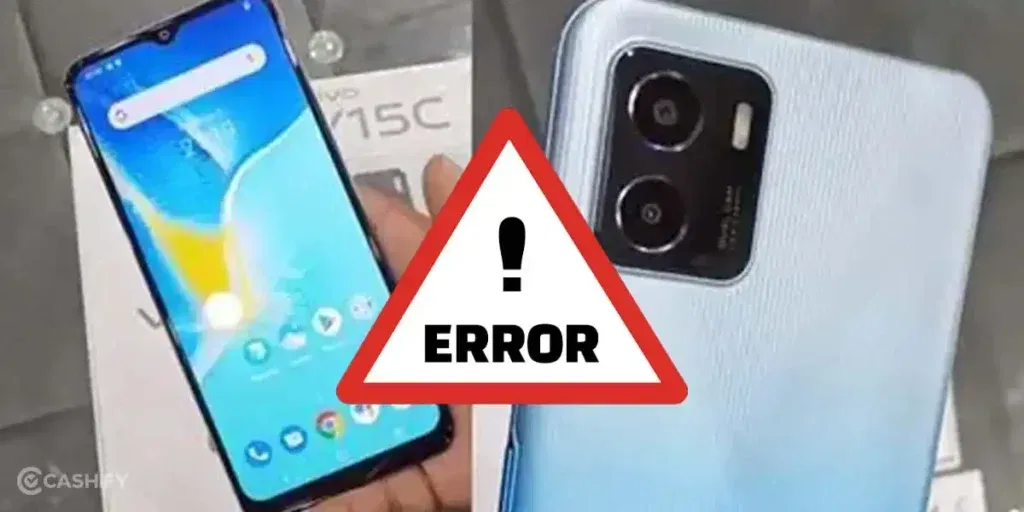
Before checking the Vivo Y15c screen replacement cost, let’s first look at what causes these display issues:
Touch Delay Near Screen Edges
The screen may respond slowly near the edges. The center works fine, but the corners do not respond properly. This often starts after drops or pressure. The touch layer in those areas stops working as it should. Typing and swiping near edges becomes difficult.
Faded Colours or Low Brightness
The screen may look dull even at full brightness. Colours appear less clear than before. This happens when the display panel starts wearing out. Heat and long screen use can cause this change.
Screen Acting on Its Own
The phone may open apps or tap on its own. You may see touches without using the screen. This can happen due to moisture inside the display. It can also happen if the touch layer is damaged.
Lines or Dark Spots on the Screen
Lines or black spots may appear on the display. This usually happens after a fall or pressure. These marks do not go away. In some cases, they spread slowly.
Screen Flickers for a Moment
The screen may flicker and then return to normal. It can happen while unlocking or using apps. This may be due to a loose internal connection. It can also be an early sign of display damage.
Also read: How Do I Check My Android Hardware Health?
Easy Checks Before You Go For Vivo Y15c Screen Replacement
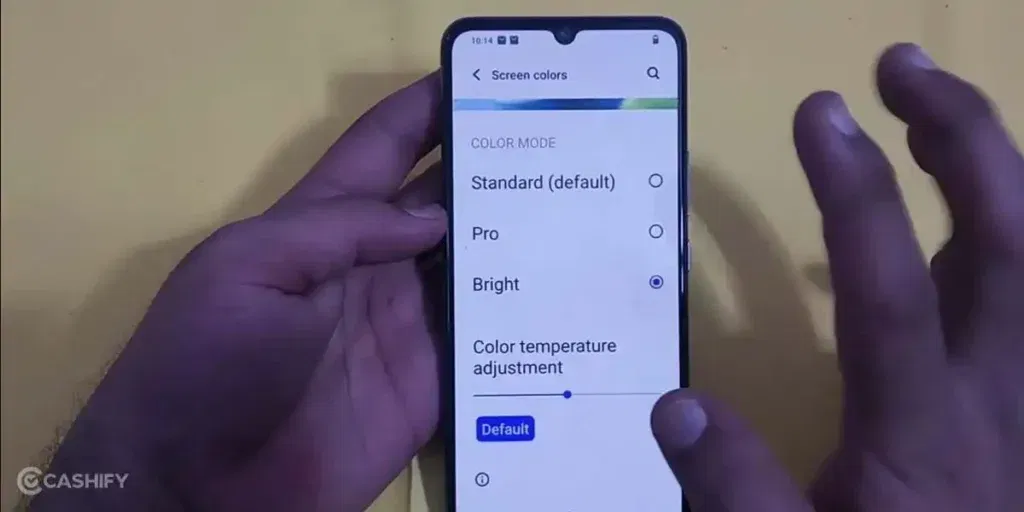
After understanding the causes, it’s worth trying some basic checks. These may save you from paying the Vivo Y15c screen replacement cost:
Adjust Touch Sensitivity Settings
Go to display settings and check touch sensitivity options. Increase sensitivity if available. This can help with weak response near edges. Test the screen after making changes.
Lower Brightness and Let the Phone Cool
Reduce screen brightness for some time. Avoid using the phone in direct heat. Let the device cool down before using it again. This can help if colours look dull or the screen feels off.
Turn Off Accidental Touch Protection
Check if features like pocket mode or touch protection are on. Turn them off and test the screen. These settings can sometimes block normal touch input.
Dry the Phone Completely
If the phone has been exposed to moisture, keep it in a dry place. Do not charge it during this time. Wait a few hours and then check the screen again.
Update or Reset Display Settings
Check for system updates and install them if available. If the issue continues, reset display settings to default. This can fix small screen glitches without affecting your data.
Also read: 8 Signs That Your Android Phone Motherboard Needs Repair!
Vivo Y15c Screen Replacement Cost & Options
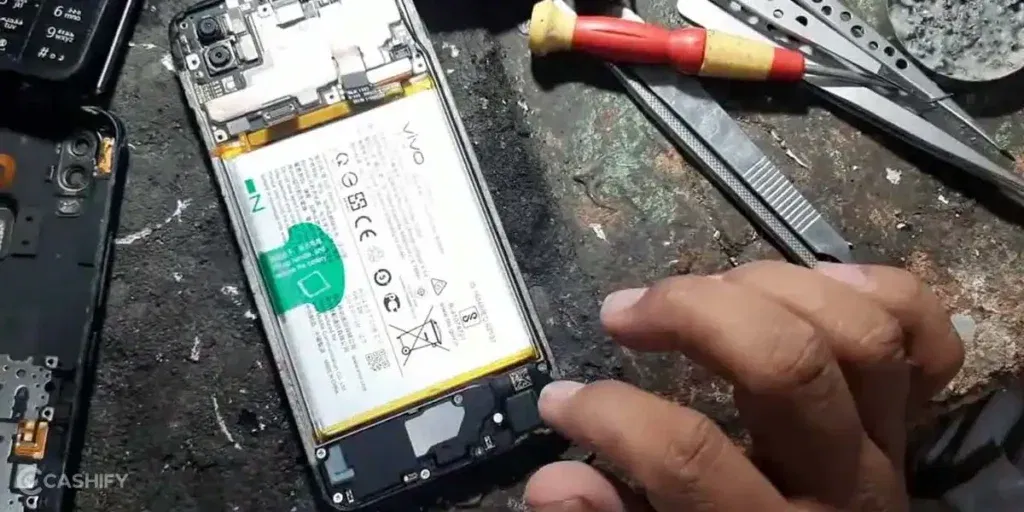
If the display problems are still there even after trying the fixes, it is time to go for a repair. At this point, you may start thinking about the Vivo Y15c screen replacement cost.
Cashify offers a reliable screen replacement service for your phone. You only have to pay Rs. 2799. Along with this price, you also get added service benefits that make the whole phone repair process simple and stress-free.
Easy Booking
You can book your mobile repair in a few simple steps:
- Visit the Cashify website or open the app
- Go to the Mobile Repair section
- Select Vivo as your phone brand
- Choose Vivo Y15c from the list
- Select Screen as the issue
- Enter your address
- Pick a time that suits you
- Confirm the booking
Flexible Service Options
You can choose doorstep repair or visit a nearby store. Cashify has 200+ service centres across India.
Skilled Technicians
Trained technicians handle your phone with care. They make sure the screen is fixed or replaced properly. This helps your phone work smoothly after the phone repair.
Clear Pricing
You know the cost before the mobile repair starts. There are no hidden charges. You pay only after the work is done.
High-Quality Compatible Parts
High-quality compatible parta are used during the mobile phone repair. This helps the display work smoothly and last longer after the repair.
Use code: TECH25 to avail of a discount of up to Rs. 300 by using the (on the minimum order value of Rs. 2499).
Use code: RPR50 to avail up to 50 per cent off on a minimum spend value of Rs. 1000 (limited offer).
Also read: Vivo Y83 Pro Aux Jack Not Working? Repair It Fast With Cashify
Final Thoughts
To sum up, display issues on your Vivo Y15c can happen for different reasons. We have shared simple checks you can try before deciding on a fix. If the problem still does not go away, Cashify can help you get it sorted in a simple and reliable way.
If you have any questions or need help with the Vivo Y15c screen replacement cost, leave a comment below. I will be happy to guide you so you can handle your Vivo mobile repair without any confusion.
Use code: TECH25 to avail of a discount of up to Rs. 300 by using the (on the minimum order value of Rs. 2499).
Use code: RPR50 to avail up to 50 per cent off on a minimum spend value of Rs. 1000. (limited offer).
Are you still browsing through your broken screen? Don’t worry! Book at-home mobile phone screen repair with Cashify, an affordable and one-stop destination for all your mobile phone needs. In case you break your screen within 1 month of repair, we will replace your screen again for FREE.