Samsung has a lot of series for different models. There’s the F Series, M Series, A, S, and more. They also introduced the J Series but discontinued it. But for most, it comes down to two main series: the Galaxy A series (solid mid-range phones) and the S series (premium flagships). If you’re stuck choosing between Samsung A Series Vs S series in 2026, you’re definitely not alone.
Samsung has improved the A series a lot, to the point where it’s surprisingly powerful for the price. I’ve made this comparison simple and honest. Let’s check out all the details to have all the information:
Also Read: 13 Best 5G Mobile Phones Under 15000 In India
Samsung A Series Vs S Series In 2026: Quick Glance!
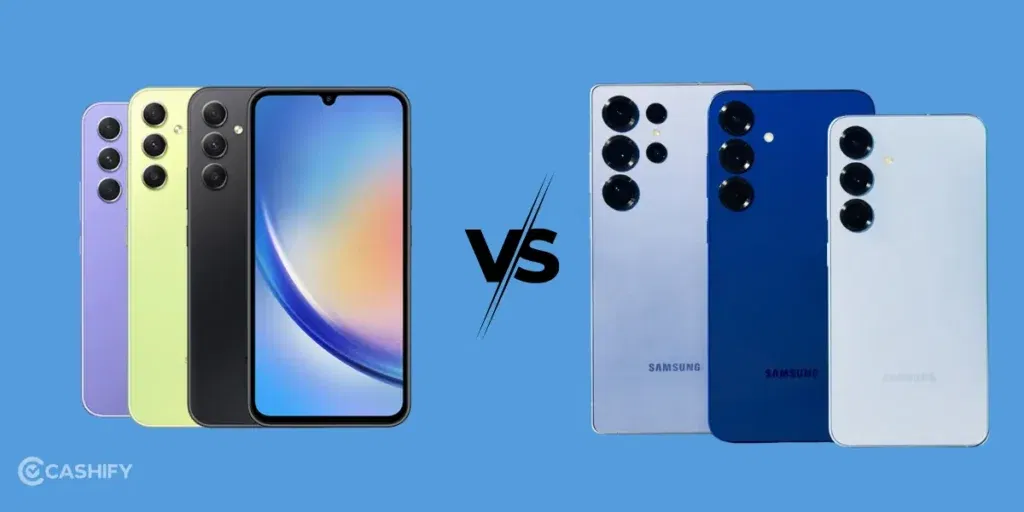
Here’s a table of the key factors we have discussed in the article. If you wish for some details, keep reading!
| Feature | Galaxy A Series | Galaxy S Series |
|---|---|---|
| Price (India) | Rs. 20,000 to Rs. 50,000 | Rs. 70,000 to Rs. 1,50,000+ |
| Target Users | Students, daily users, budget buyers | Power users, gamers, professionals |
| Performance | Smooth for daily use, light gaming | Ultra-fast, no compromises |
| Camera | Good for social media & casual photos | Pro-level cameras, advanced zoom & video |
| Build & Display | Plastic/glass body, bright AMOLED | Premium glass & metal, better displays |
| Battery & Charging | Bigger batteries, excellent battery life | Similar size + wireless & faster charging |
| Software Support | 6 to 7 years updates | 6 to 7 years (features arrive first) |
| Standout Extras | Great value, microSD on some models | Galaxy AI, S Pen (Ultra), flagship features |
Let’s do an in-depth analysis of these two famous Samsung series to have a better understanding.
Also Read: Best Mobile Phones Under 20000 In India
What Is Galaxy AI? Do You Really Need It?
Galaxy AI is Samsung’s set of built-in AI tools that work across your phone’s camera, calls, notes, and keyboard.
Some of the most useful Galaxy AI features include:
- Live Translate — This feature translates phone calls in real time, so you can talk to someone in a different language without a third-party app.
- Circle to Search — You can draw a circle around anything on your screen to search it on Google instantly.
- Chat Assist — It rewrites your messages in a more formal or casual tone, depending on who you’re writing to.
- Generative Edit — It lets you move, remove, or resize objects in photos after you take them.
- Note Assist — This feature summarises long meeting notes or voice recordings in seconds.
The most important thing about Galaxy AI is that it is not exclusive to the S series. Phones like the Galaxy A56 and A36 also support many of these features. The only difference is that the S series gets the full feature set and gets new AI tools first, but A-series users still get a solid chunk of it.
So if Galaxy AI is what you’re looking for, the A56 is a smart buy. You won’t miss out on most of the good stuff.
Price & Value: Samsung A Series Vs S series
Most people usually go for budget-friendly devices.
The Galaxy A series absolutely wins on value. You get flagship-like vibes with other features. It includes bright AMOLED screens, long battery life, and decent cameras. There are phones like the Galaxy A56 5G (around Rs. 35,000 to Rs. 45,000) with specs that feel more than good enough.
The Galaxy S series is obviously the flagship option. The latest Galaxy S25 lineup starts at around Rs. 75,000 to Rs. 80,000. Samsung Galaxy S25 Ultra goes up to Rs. 1,30,000+. You’re getting top-end tech here, but it’s worth the money!
If your phone use is mostly social media, calls, streaming, light editing, and casual photos, go with the A series. If you want strong performance with amazing camera shots, the S series actually makes sense.
Also Read: Get Samsung Galaxy S23 at just 44,XXX Rs. Here’s How!
Performance & Specs:
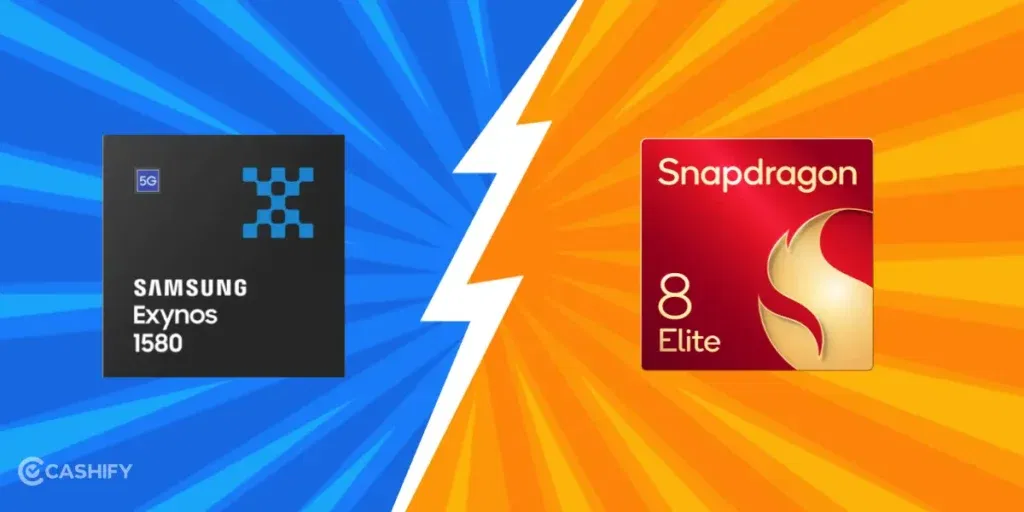
The Galaxy A series uses solid mid-range chips. You can see chips like the Exynos 1580 (in the A56) or similar Snapdragon processors. These handle daily multitasking, apps, and casual gaming without issues. Newer models also have better cooling. This way, performance stays stable without major throttling.
The Galaxy S series is on another level. You get chips like the Snapdragon 8 Elite (or equivalent flagships). It handles heavy gaming, 4K video editing, and advanced AI features. In side-by-side use, it definitely feels faster and smoother.
For about 90% of users, the A series is more than fast enough. You’ll only really notice the S series pulling ahead if you push your phone hard. It’s useful if you do pro-level video work or gaming on max settings for long hours.
10 Best Mobile Phones Under 10000 In India
Design & Build
A Series: Typically sports plastic or polycarbonate bodies, with some higher-end models flaunting glass backs. It’s solid but lacks the S series’ luxurious touch. At least these are dependable, if not dazzling.
S Series: The S series smartphones are made of premium materials like glass and metal, which scream elegance and durability. Sleek, modern designs often feature advanced displays with high refresh rates for smoother visuals, making every scroll a delight.
Also Read: 7 Best Samsung Mobile Phones In India
Display
The Galaxy A56 has a 6.7-inch Super AMOLED display with a 120Hz refresh rate. It’s bright, smooth, and looks great for everyday use. Scrolling feels fluid, videos look sharp, and the colours are vivid.
The Galaxy S25 takes it up a notch with a Dynamic LTPO AMOLED display, 2600 nits of peak brightness, and support for 1-120Hz adaptive refresh. That means the screen can slow down to save battery when you’re reading and speed up when you’re gaming automatically.
In real-world use, you’ll notice the difference in bright sunlight. The S series is significantly easier to read outdoors. If you spend a lot of time outside or care about fine display detail, you should go for the S series.
For most indoor use, both displays look great.
Battery Life
A Series: The batteries are large, often 5000mAh+, and they fuel good all-day usage. Fast charging support ensures quick refuels when needed, so you’re never caught dead (battery-wise, of course).
S Series: When it comes to Samsung A series vs S series batteries, they have Similar battery capacities but with faster charging speeds and convenient features like wireless charging and reverse wireless charging (literally turning your phone into a power bank for other devices).
Also Read: 7 Best Mobile Phones Under 12000 In India
Camera: Casual Snaps Vs Pro Shots
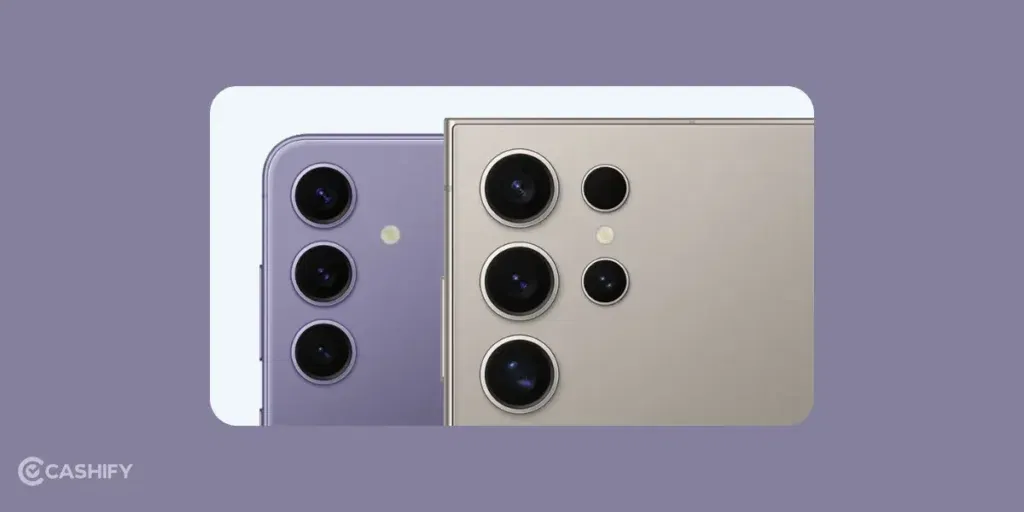
The Galaxy A series comes with 50MP main cameras with OIS. It can take sharp and colourful photos for everyday use. Low-light shots are decent, portraits look good, and it’s more than enough for Social Media.
The Galaxy S series has advanced camera setups. You get periscope zoom on the Ultra models, better sensors, and 8K video recording. AI tools also make photo and video editing way easier.
A-series cameras are much better than people expect now. If you’re into serious photography, long-range zoom, or pro-level videos, go for S Series.
Storage and RAM
The Galaxy A series typically comes with 8GB RAM and 128GB or 256GB storage. Some models support microSD cards, which let you expand storage cheaply.
The Galaxy S series starts at 12GB RAM and 128GB storage, but goes up to 1TB on Ultra models; it offers no microSD support.
If you store a lot of videos, photos, or offline content, check whether the A-series model you’re buying has a microSD slot. It can save you money compared to buying a higher storage variant.
Software & Updates:
Both series run Samsung’s One UI interface, offering a smooth and intuitive experience. Updates might be slightly slower for A-series models, but both lines have received essential security patches for several years.
Also Read: 5 Mobile Phones With The Same Camera As iPhone 15!
Resale Value
Samsung S series phones hold their resale value better. A year-old S25 can give you a decent price because buyers trust the brand, the specs, and the long software support.
A-series phones depreciate faster. They’re still worth selling, but you’ll get less back when you upgrade.
If you upgrade phones every 2–3 years, consider resale value. The S series’ higher upfront cost may balance out because you get more back when you sell it.
Best Phones From Both Series: Have A Look At Top 4-4 Picks
Now, the best way to explain to you the clear differences and answers in this debate is to explain you with some examples. Hence, we bring you the top 4-4 phones each from A series and S series. So, have a look at this table and you will understand.
| Phone | Top Features |
| Samsung Galaxy S26 | 12GB RAM, flagship Snapdragon/Exynos chip, 50MP + 12MP + 10MP cameras, 4,000mAh battery, Galaxy AI, 7 years of updates. |
| Samsung Galaxy S25 | Snapdragon 8 Elite, 12GB RAM, 50MP + 12MP + 10MP cameras, 4,000mAh battery, premium build, Galaxy AI features. |
| Samsung Galaxy S25 FE | Exynos 2400e, 8GB RAM, 50MP + 12MP + 8MP cameras, 4,700mAh battery, flagship-like experience at a lower price. |
| Samsung Galaxy S24 Ultra | Snapdragon 8 Gen 3, 12GB RAM, 200MP + 50MP + 10MP + 12MP cameras, 5,000mAh battery, S Pen, titanium frame, industry-leading zoom. |
| Samsung Galaxy A57 | 8–12GB RAM, upper-midrange Exynos chip, 50MP OIS camera, 5,000mAh battery, premium design, long software support. |
| Samsung Galaxy A56 | 50MP OIS + 12MP + 5MP cameras, 5,000mAh battery, 45W charging, excellent value. |
| Samsung Galaxy A36 | 50MP OIS + 8MP + 5MP cameras, 5,000mAh battery, 45W charging, affordable price. |
| Samsung Galaxy A37 | 8GB RAM, Snapdragon 6-series chip, 50MP OIS camera, 5,000mAh battery, stereo speakers, balanced mid-range performance. |
Who Should NOT Buy Each Series
Don’t buy the A series if you do heavy video editing, play graphics-intensive games for hours, or want the latest Galaxy AI features the moment they launch.
Don’t buy the S series if you’re on a strict budget, mostly use your phone for calls, social media, and YouTube, or don’t want to spend ₹75,000+ on a phone you’ll use for everyday tasks.
FAQ in Samsung A Series Vs Samsung S Series
1. Does the Samsung A Series support wireless charging?
Wireless charging is mainly found on Samsung’s premium S Series phones. Most Galaxy A Series models rely on wired charging, so check the specifications of the exact A Series model before buying.
2. Can Samsung A Series phones run Samsung DeX?
Samsung DeX support is mainly associated with Samsung’s flagship devices. Galaxy S Series models support DeX, while A Series phones generally do not get the same desktop-style experience.
3. Are Samsung A Series phones good for long-term use?
Yes. Recent A Series phones come with long software support and capable hardware for everyday tasks. They can be a practical choice if you plan to keep your phone for several years without needing flagship-level performance.
4. Does the S Series have features that A Series phones don’t?
Yes. Depending on the model, S Series phones can have features such as wireless charging, Samsung DeX, advanced zoom cameras, higher-end displays, and S Pen support on Ultra models. The exact feature set varies by phone.
5. Can I use an A Series phone for content creation?
Yes. A Series phones can handle tasks like Instagram Reels, YouTube Shorts, photography, basic video editing, and social media work. If you regularly shoot high-resolution video or use demanding editing apps, an S Series phone gives you more hardware headroom.
6. Which Samsung series is easier to carry in a compact size?
The S Series has several compact flagship models, while A Series phones often focus more on larger displays and batteries. If one-hand use is important, compare the dimensions and weight of the specific models rather than choosing only by series.
7. Do Galaxy A Series phones have water resistance?
Some newer Galaxy A Series models come with an IP rating for water and dust resistance. The level varies by model. S Series phones also have water and dust resistance, with the exact rating depending on the device.
8. Is Samsung A Series suitable for students?
Yes. An A Series phone can handle common student needs such as online classes, note-taking, browsing, social media, video calls, streaming, and casual gaming without requiring flagship hardware.
9. Does the Samsung S Series get new One UI features earlier?
Samsung generally introduces some new software and Galaxy AI capabilities on its flagship devices first. A Series phones can receive many of these features later, but availability depends on the model and software update.
10. Which Samsung series has more storage options?
The S Series usually provides higher storage configurations, with some Ultra models going up to 1TB. A Series phones generally have more modest internal storage options, though select models may support microSD expansion.
11. Can I play demanding games on Samsung A Series phones?
Yes, but the experience depends heavily on the specific A Series model. Mid-range phones can handle many popular games, while flagship S Series hardware is better suited to demanding titles, higher graphics settings, and longer gaming sessions.
12. Is the Samsung S Series worth upgrading to from an A Series phone?
It depends on what you need from the upgrade. The biggest changes can come in areas such as processing power, camera hardware, display technology, charging options, and premium features. If your current A Series phone already handles your daily tasks comfortably, the upgrade may not be necessary.
Samsung A series vs S Series: Concluding Remark
The gap between A and S series has significantly narrowed in 2026. For 70% of users, the A-series now offers everything they need at 30% of the price. The S-series remains unbeatable for power users, but A-series has become an incredibly compelling value proposition.
Choose A-series if: You want 80% of flagship features at 30% of the cost Choose S-series if: You want the absolute best and budget isn’t a constraint
Remember, there’s no “right” or “wrong” answer. Just choose the series from the Samsung A series vs S series, that best aligns with your lifestyle and smartphone goals! So, which Samsung Galaxy series would you prefer for personal use? Shoot your choice in the comments section below. I would love to know!
Also Read: New Samsung Galaxy S22 Ultra Vs Refurbished Samsung Galaxy S22 Ultra: Truly Awesome!
If you’ve just bought a new phone and don’t know what to do with your old phone, then here’s your answer. Sell old mobile to Cashify and get the best price for it. If you are planning to buy a new phone, check out Cashify’s refurbished mobile phones. You can get your favourite phone at almost half price with a 6-month warranty, 15 days refund and free delivery.