I am geek your friends warned you about. Total nerd, always there to help you, guide you about your tech discussions. Eat Sleep Breathe Technology - That's on my repeat mode.
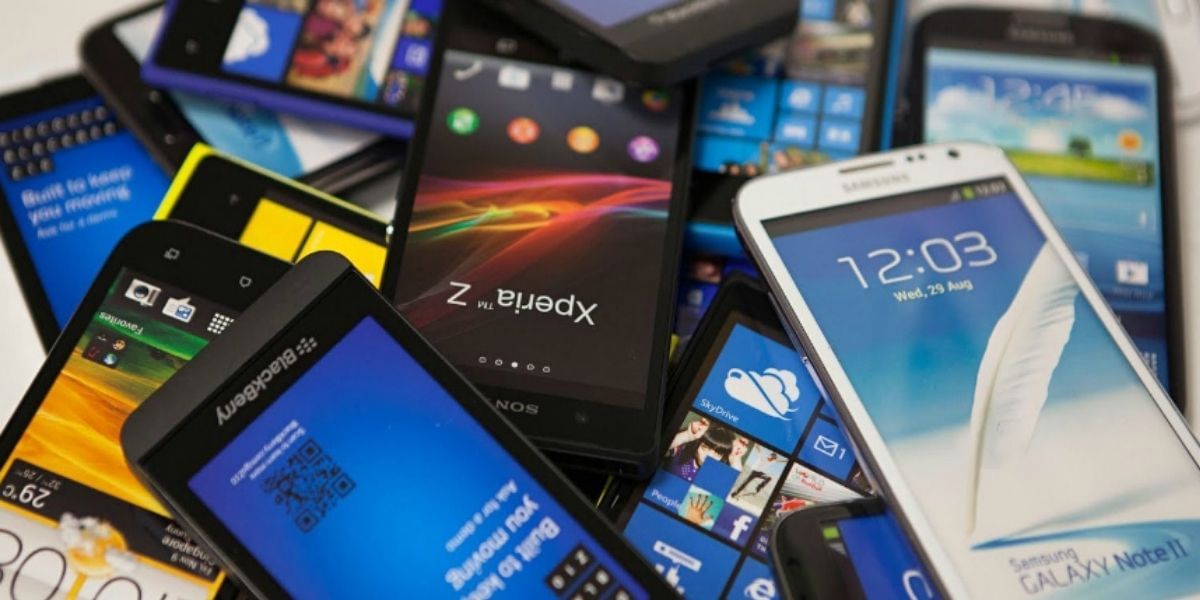
Wanting to own your favorite smartphone at a budget price? The best way is to buy a Refurbished smartphone at a much lesser price than its actual box price. But make sure to buy a refurbished smartphone from a trusted seller and perform mandatory quality checks on the device. Here we talk about everything you need to know about Refurbished smartphones and what all checks need to be made before buying one.
In no time, Xiaomi has become one of the bestselling phones in the market. The credit for that goes to its not so high prices yet significant hardware configurations. However, with time the device becomes slower mainly because of the users’ habits of filling up the phone’s space with unnecessary stuff or not updating the phones regularly. Nevertheless, it is relatively straightforward to speed up your Xiaomi device. You can do it by clearing the cache of your Xiaomi smartphone by using its default MIUI cleaner App, or by regularly updating it, or using apps from only trusted sources.
Android is the most popular operating system across the globe. It offers a variety of features to users. In fact, the features are in so much abundance that most users are not familiar with all of them. For instance, the concept of split-screen is not so renowned among Android users and most of the users might not be aware of this functionality. The same is the case with Smart-lock, people might know about it but have never used it. All-in-all, there is an extensive list of hidden features for your android phone you never know and here we talk about a bunch of these hidden features.
OnePlus recently launched the OnePlus 8T, which is an incremental upgrade to the OnePlus 8. It is one of the best offerings for those looking at a good device with a smooth software experience and best in class performance. It also comes with nice to have features like fast 65W charging. Here, we talk about how to get the OnePlus 8T for cheaper in exchange for your older phone.
Xiaomi recently launched the Mi 10T And Mi 10T Pro in India and, the device brings along with it a flagship processor at a reasonable price. The device is cheaper than the Mi 10, but, it also brings some new features. Here, we discuss how one can upgrade to the Mi 10T within their budget.
No need to buy Separate Devices For Everything! Your smartphone is the most convenient medium to unlock the doors of different features that were before opened only using your computer. You will thank your smartphone to help you with all these jobs without having to buy computers and cameras for different operations.
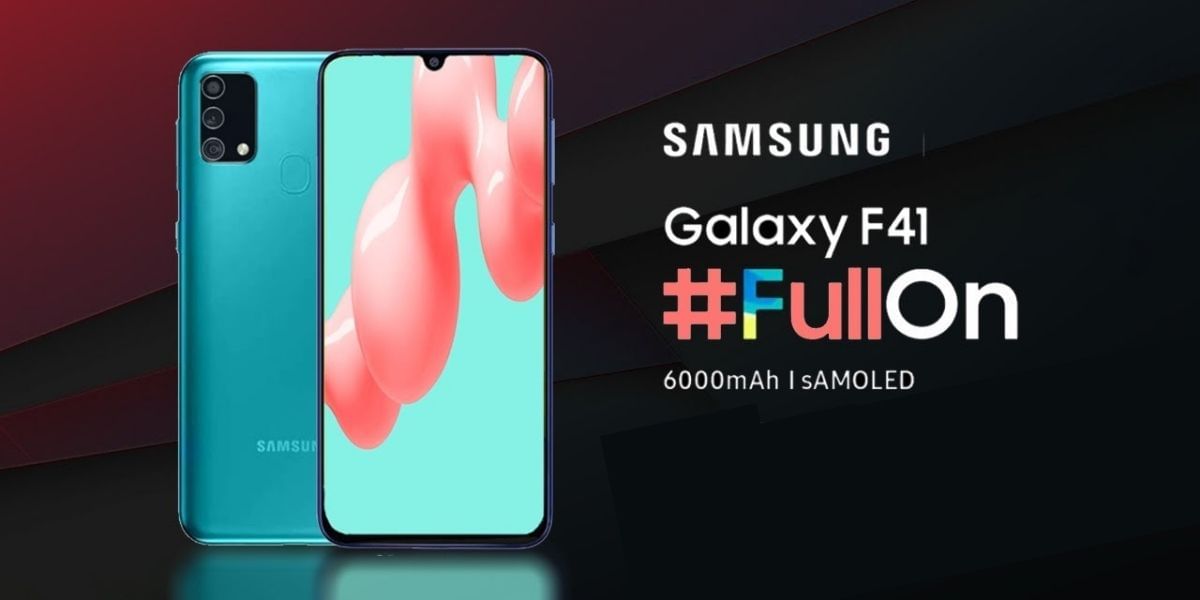
Samsung in October launched the F41, which is the first device from the F series. It features a lot of features similar to the M31 and, features an excellent AMOLED display and triple rear camera system. In this article, we tell you how to get the F41 within your budget and list out who should upgrade and who shouldn’t.
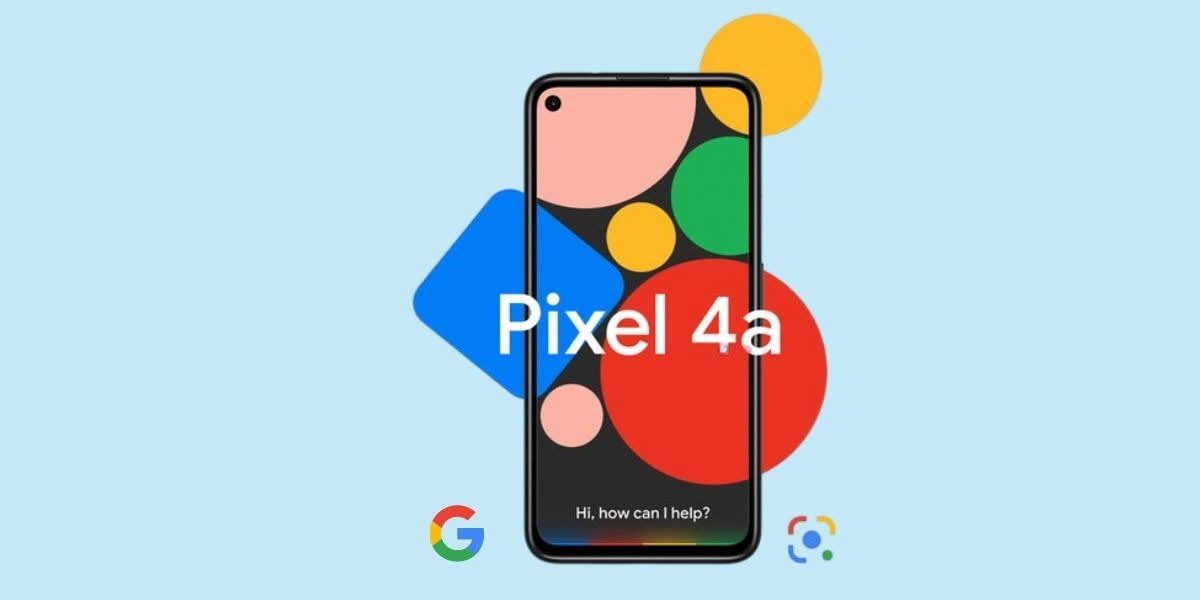
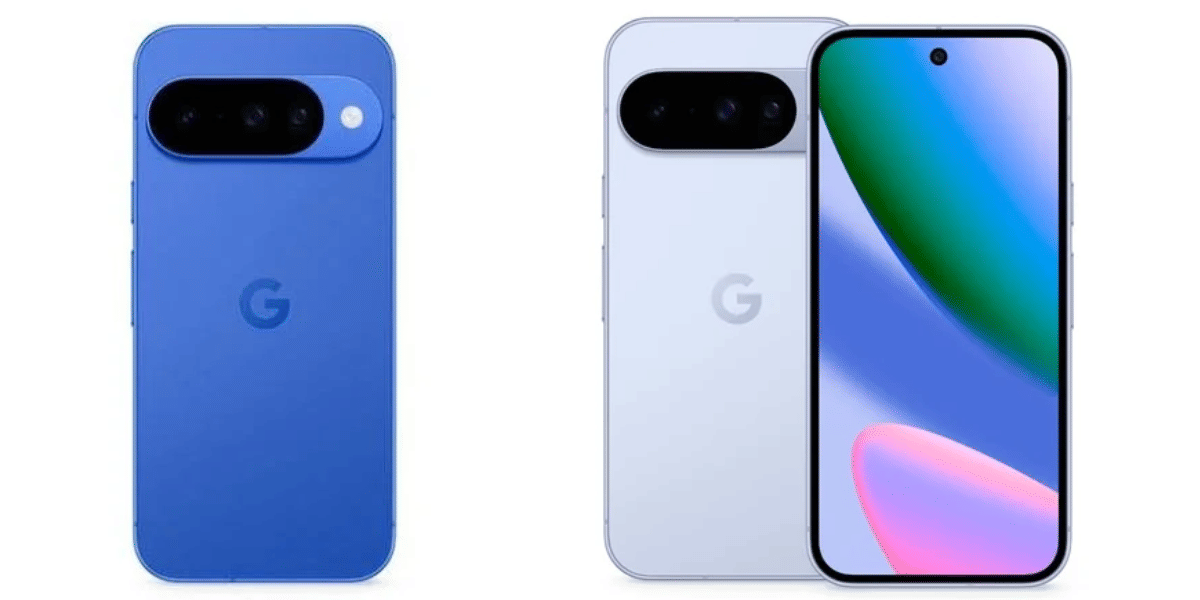
The Google Pixel 4a is a great device for photography enthusiasts paired with decent mediocre specifications that are good for everyday use. Here’s how you can get the Pixel 4A at a budget price. To add to that, we also list out who should buy the 4a and who should not. Read more to find out about the Pixel 4a.
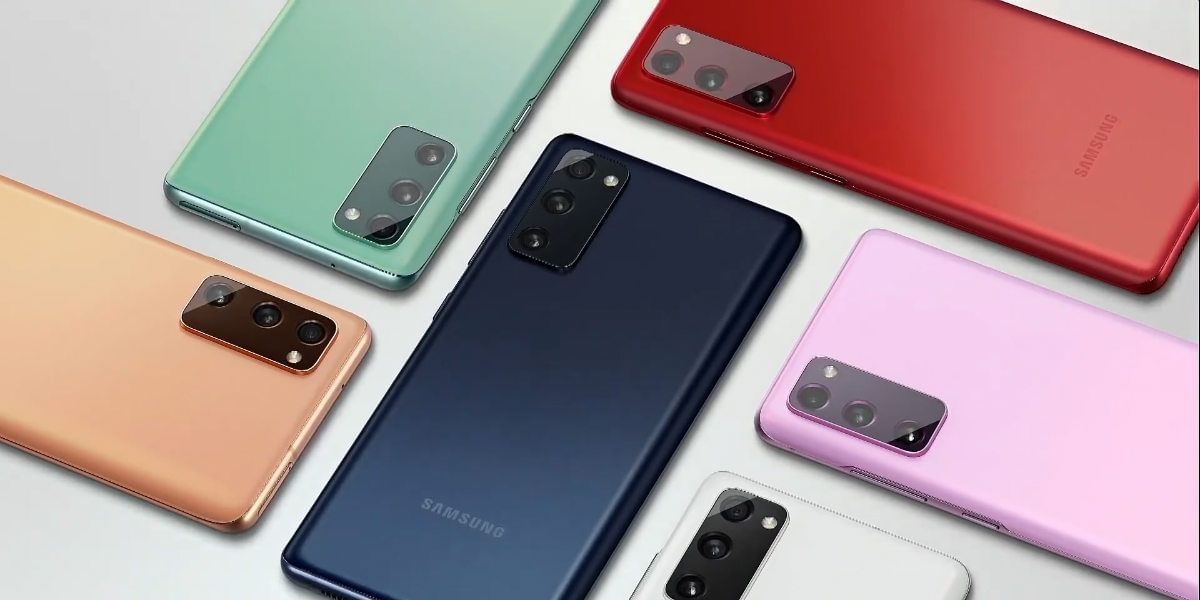
Samsung recently launched the S20 FE or S20 Fan Edition and, the device offers features and design similar to the S20 series that was announced a few months ago. The FE edition of S20 features flagship-grade specifications with a few minor takeaways and at a much cheaper price. Seems like a good deal? You’re not wrong. We tell you in this article how you can get the S20 FE within your budget and avail the best price for your old device that is due for an upgrade.
With the massive digital advancement, some negative sides came hand in hand. This includes leaving our digital footprint and sharing unnecessary data on every end. From our personal data like name, email id, to bank details, all are vulnerable on our Android phone if privacy is not set properly. We have unveiled 5 secrets of changing privacy settings on Android phones here. Check out all the steps to safeguard your personal information.