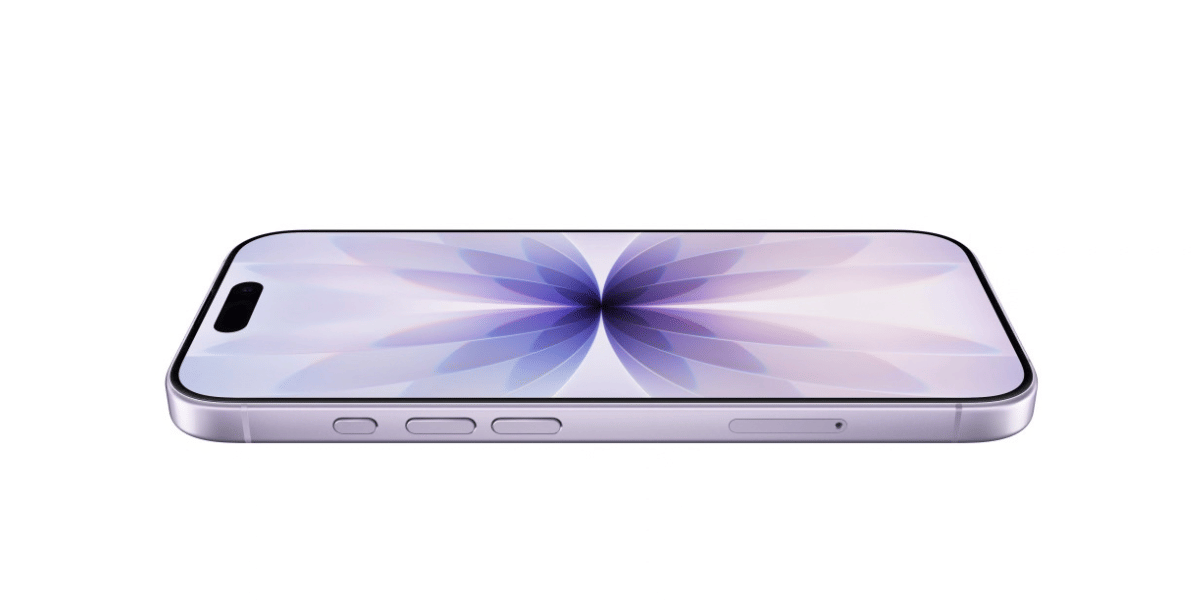
You plug in your iPhone 16e at night and expect the battery to stay almost the same by morning. But sometimes you wake up and notice the battery level has dropped more than expected. This can feel strange, especially when the phone was not used overnight. In many cases, the cause could be background activity, certain settings, or a battery that is starting to wear out. Let’s take a closer look at the common signs of Apple iPhone 16e battery draining overnight. We’ll also cover the possible fixes and the cost of replacing the battery if needed.
Also read: Which Is The Best Way To Repair Broken Screen For Vivo V30?
Why Is Your Apple iPhone 16e Battery Draining Overnight?
Before trying any fixes, let’s first look at the common reasons behind Apple iPhone 16e battery draining overnight:
Background App Activity
Some apps continue running tasks even when the phone is not in use. Social media apps, messaging apps, or cloud backup services may refresh data in the background during the night. If several apps are active at the same time, they can quietly use battery power while the phone is idle.
Poor Network Signal
When you place your phone in an area with a weak signal, it keeps searching for a stronger connection. You might keep the phone in a room where mobile network coverage is low. Continuous signal searching slowly reduces the battery level overnight.
Automatic System Tasks
iPhones often run certain system processes when the phone is idle and connected to Wi-Fi. These may include tasks like app updates, photo syncing, or system indexing. Such activities normally run in the background and can sometimes lead to noticeable battery usage overnight.
Battery Health Decline
Over time, lithium-ion batteries lose their ability to hold the same level of charge as when they were new. When battery health drops, the phone may start losing power more quickly. Because of this, the battery level can go down faster than expected, even when the phone is not being used.
Always-On or Active Features
Certain features, such as location services, Bluetooth accessories, or widgets that refresh regularly, can keep the phone active in the background. If several of these features remain enabled, they may contribute to Apple iPhone 16e battery draining overnight.
Also read: How To Fix Vivo V11 Pro Screen Issues? Replace It Affordably!
What To Try Before Replacing The Battery?
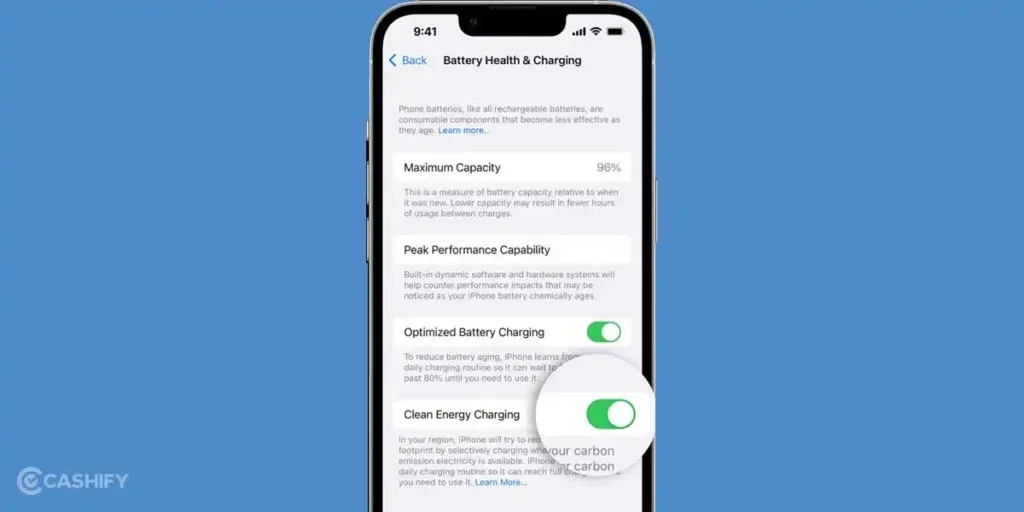
After looking at the reasons for Apple iPhone 16e battery draining overnight, here are a few fixes you can try at home:
Restart Your iPhone
Restart your Apple iPhone 16e once and then check the battery performance overnight. A restart refreshes the system and clears temporary processes that may still be running. Many users notice the battery behaves more normally after a fresh restart.
Check Battery Usage In Settings
Open Settings > Battery and review the battery usage section. Look at which apps used the most power in the last 24 hours. If an app is using too much battery, update it or limit how often you use it.
Turn Off Background App Refresh
Go to Settings > General > Background App Refresh. Turn it off for apps that do not need to update in the background. This reduces unnecessary activity when the phone is not being used.
Adjust Location Services
Open Settings > Privacy & Security > Location Services. Change the permission for certain apps to While Using the App. This limits location access when the app is not open.
Update iOS
Check for the latest iOS update in Settings > General > Software Update. Install the update if one is available. Updates sometimes improve battery performance and fix system issues.
Also read: How Do I Check My Android Hardware Health?
Why Choose Cashify For iPhone 16e Battery Replacement?
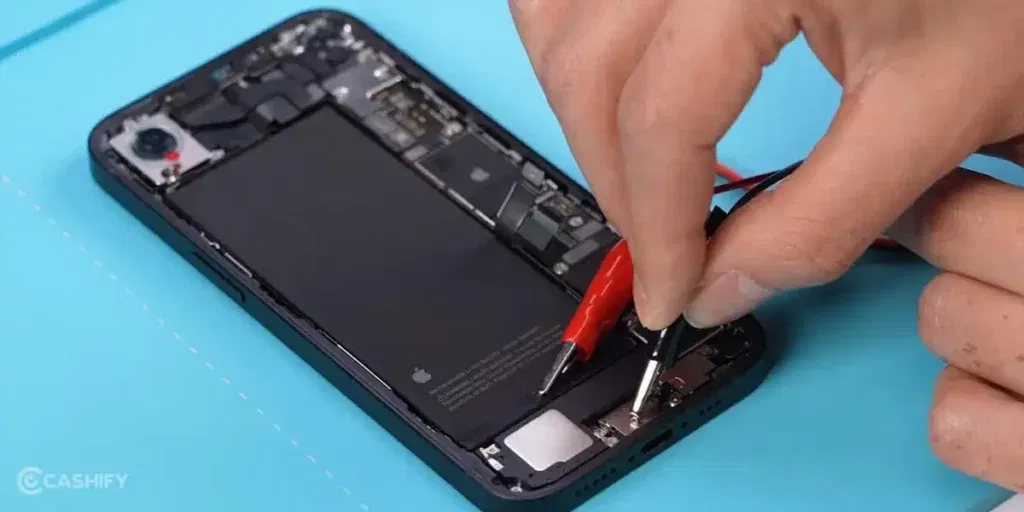
If the Apple iPhone 16e battery draining overnight issue continues even after trying the fixes, the battery may need to be replaced. In that situation, getting the repair done through a trusted service is important. Cashify provides an easy way to get your phone battery replaced.
The battery replacement for the Apple iPhone 16e at Cashify costs Rs. 7,499. You can book the mobile phone repair in a few simple steps:
- Visit the Cashify website or open the Cashify app.
- Go to the Mobile Repair section.
- Select Apple as your phone brand.
- Choose iPhone 16e from the list of models.
- Select Battery as the issue.
- Enter your address to book a doorstep repair service.
- Pick a date and time that works for you.
- Confirm the booking. A technician will visit your location and complete the phone repair.
When you book a mobile repair with Cashify, you also get several service benefits:
- Quality compatible batteries: Cashify uses high-quality compatible batteries that are tested before installation and are suitable for regular daily use.
- Doorstep repair option: A technician can visit your home or office at a time that suits you. The battery is replaced in front of you, and payment is made after the service is completed.
- Service centres across India: If you prefer visiting a store, you can go to any of the 200+ Cashify service centres available across India.
- Warranty support: Every battery replacement comes with a 3-month warranty*. If any issues arise during this period, you can contact support for assistance.
(*Repair warranties are subject to discretion based on Cashify’s terms and conditions. Please refer to our warranty policy for detailed information.)
Use code: TECH25 to avail of a discount of up to Rs. 300 by using the (on the minimum order value of Rs. 2499).
Use code: RPR50 to avail up to 50 per cent off on a minimum spend value of Rs. 1000.
Also read:8 Signs That Your Android Phone Motherboard Needs Repair!
Final Thoughts On Apple iPhone 16e Battery Draining Overnight
The Apple iPhone 16e battery draining overnight issue can happen for different reasons. In many cases, simple checks and small fixes can help improve battery performance. If the problem continues, the battery may need to be replaced. In that situation, Cashify can help you get the Apple mobile repair done.
If you still have questions about your Apple iPhone 16e battery or the repair process, feel free to leave a comment below. I’ll be happy to help.
If you’ve just bought a new phone and don’t know what to do with your old phone, then here’s your answer. Sell old mobile to Cashify and get the best price for it. If you are planning to buy a new phone, check out Cashify’s refurbished mobile phones. You can get your favourite phone at almost half price with six-month warranty, 15 days refund and free delivery.